89Instruments and controls
Alarm
Settings can be made from Profiler.
1 Press the CUSTOMIZE button to go to
Profiler.
2 Select Clock / Alarm using the INFO dial.
3 Press in the INFO dial.
4 Select Set Alarm 08:30.
If the alarm is not activated: set using the
INFO dial.
If the alarm is activated (Set Alarm 08:30
on): select Alarm on or Alarm off.
Explanation of setting the alarm time.
System Settings
Under this heading you can make system
settings, such as change the display lan-
guage, units and service information.
1 Press the CUSTOMIZE button to go to
Profiler.
2 Select System Settings using the
INFO dial.
3 Press in the INFO dial.
4 Select the desired heading using the
INFO dial.
5 Press in the INFO dial.
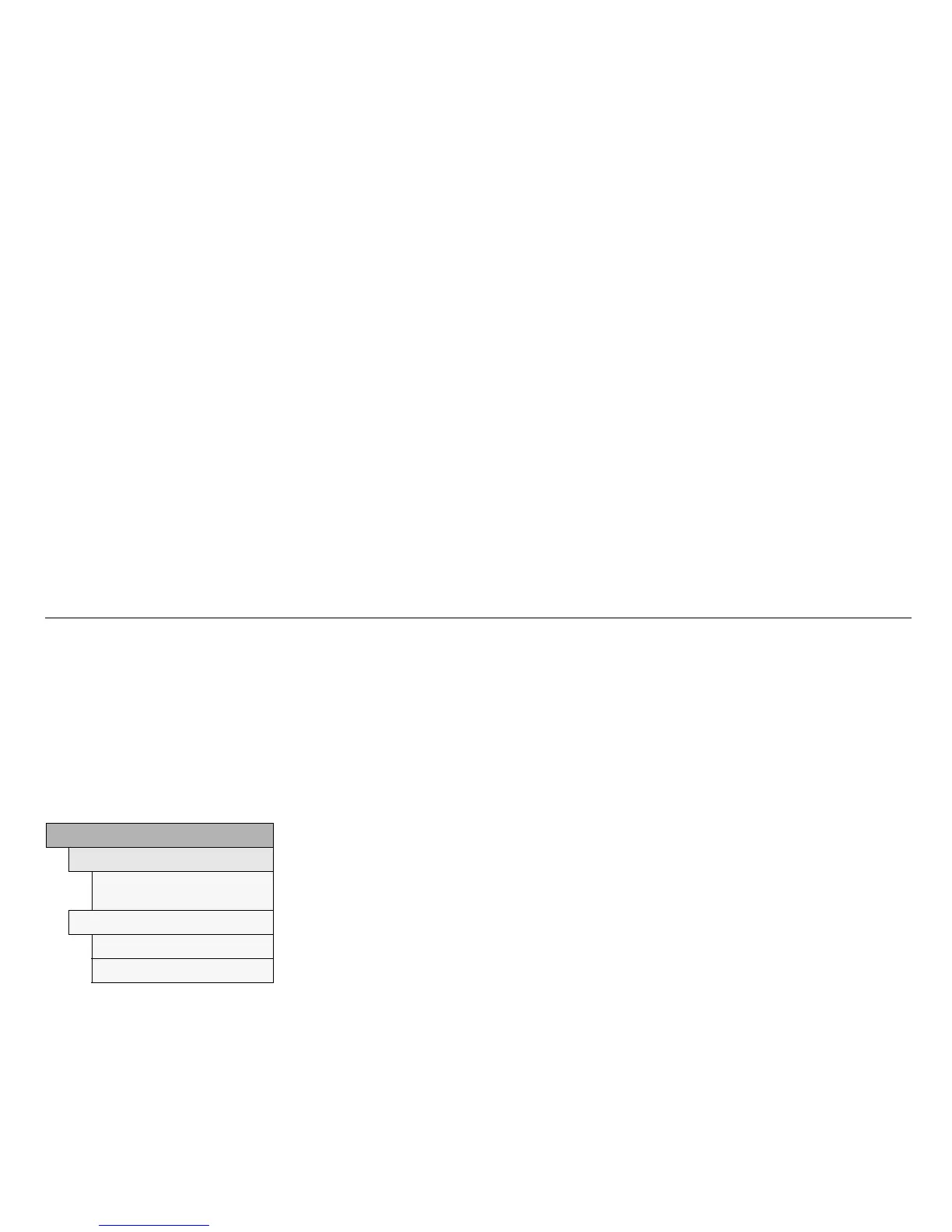
Clock / Alarm
Set Alarm 08:30
Alarm
09:40
Set Alarm 08:30 on
Alarm on
Alarm off
Set Alarm 08:30
Set Alarm 08:30:
A new alarm time can be set.
Use the INFO dial.
Set Alarm 08:30 on:
A preset alarm time exists.
Select Alarm on or Alarm off.












 To Next Page