99Instruments and controls
Explanation of setting the clock.
Alarm
Settings can be made from Profiler.
1 Press the CUSTOMIZE button to go to
Profiler.
2 Select Clock / Alarm using the INFO dial.
3 Press in the INFO dial.
4 Select Set Alarm 08:30.
If the alarm is not activated: set using the
INFO dial.
If the alarm is activated (Set Alarm 08:30
on): select Alarm on or Alarm off.
Explanation of setting the alarm time.
Set Clock
RDS Adjust:
In order to use this function,
the car's radio must be
tuned to a FM station known
to transmit a time signal.
Saab has no control over
the level of RBDS informa-
tion, or the content, being
transmitted by radio sta-
tions.
Set the year, month and day
under Manual if the current
radio station does not trans-
mit this information.
Manual:
Use the INFO dial to set
time, year, month and day
manually.
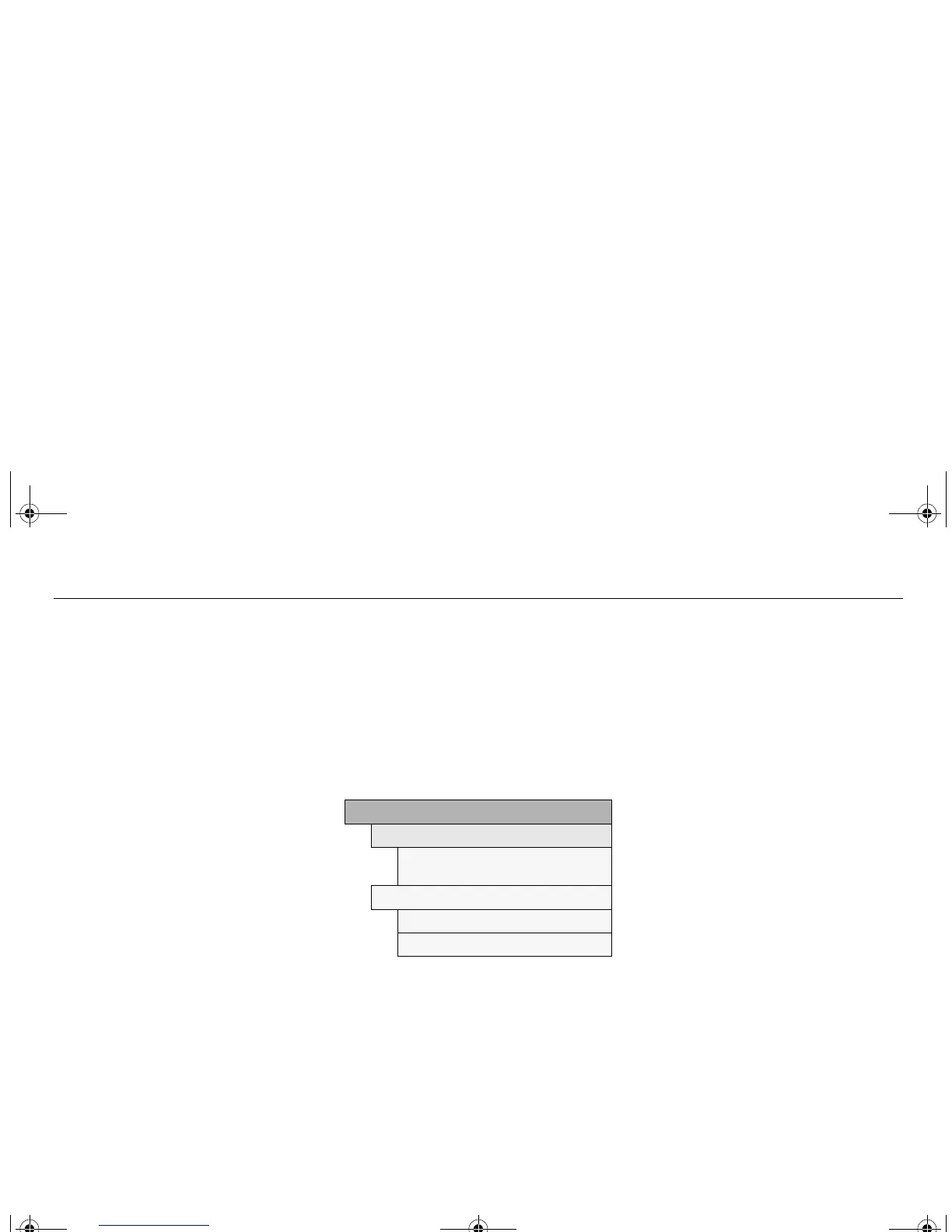
Clock / Alarm
Set Alarm 08:30
Alarm
09:40
Set Alarm 08:30 on
Alarm on
Alarm off
Set Alarm 08:30
Set Alarm 08:30:
A new alarm time can be set.
Use the INFO dial.
Set Alarm 08:30 on:
A preset alarm time exists.
Select Alarm on or Alarm off.
93U SM 06.book Page 99 Friday, February 18, 2005 1:15 PM











 To Next Page