8
7. Click on the “Take a Tour” button on the application`s
main menu screen to learn how to:
• Get photos and videos from your camera.
• Manage and organize your images by creating
albums.
• Edit the images using automatic and manual tools.
• Upload and manage photos and videos to and
from the most popular photo sharing and social
networking sites: Facebook, Flickr, Picasa,
Photobucket and YouTube.
• Visit the Creative Corner to create and write your
own Diary or Book, create Scrapbooks, Frames,
Stickers and more…
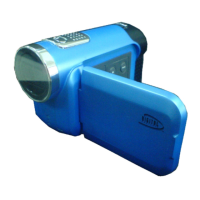
We thank you for choosing the 38009 Digital Video
Camera.


 To Next Page