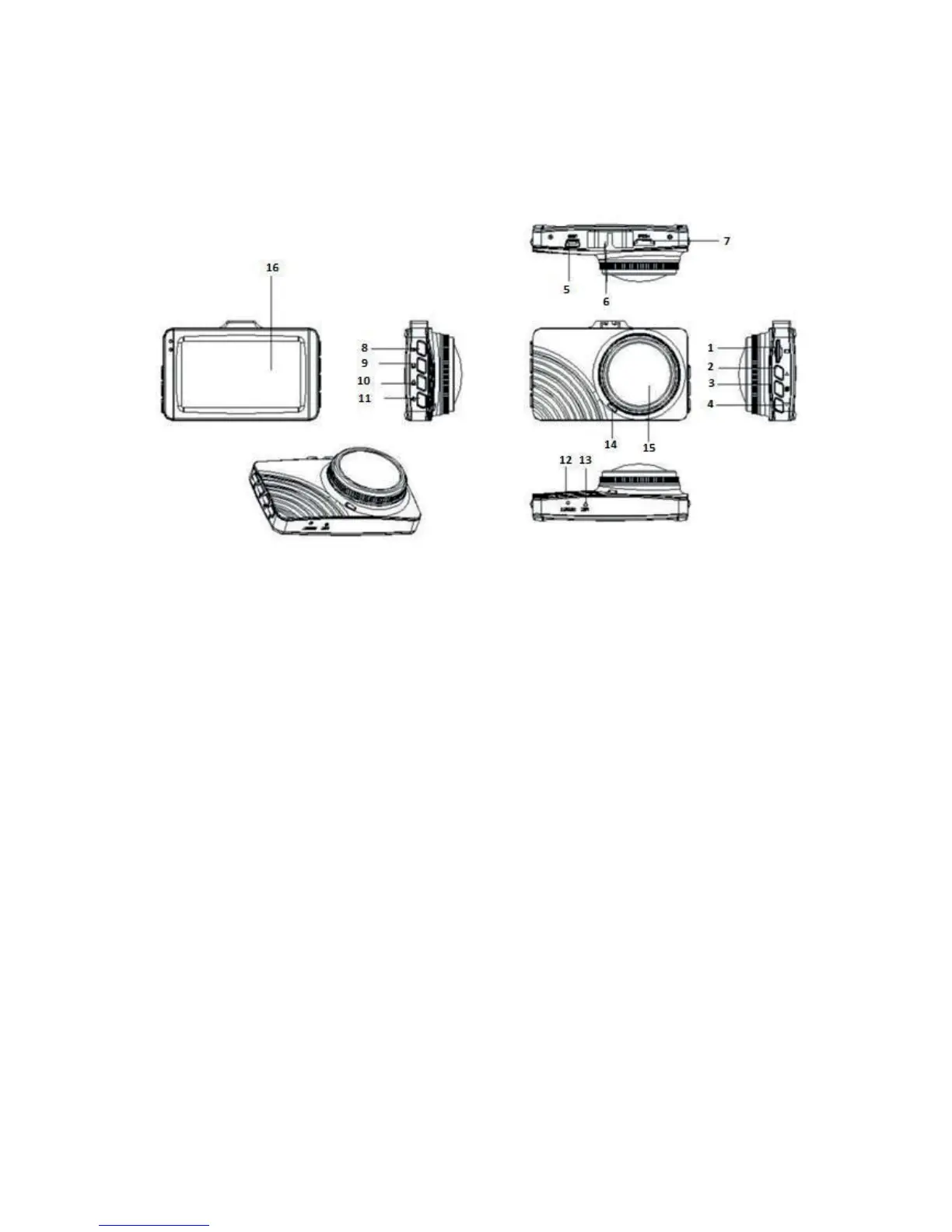
Product diagram
Functions of the camera:
1. TF card slot
Here you can insert or remove your memory card.
2. Up button
In Option menu: you can select an option by going up.
In Photo mode: you can zoom in.
In Playback mode: you can increase the volume or fast forward playback.
3. Menu button
By pressing briefly you can choose the desired menu.
4. Down button
In Option mode: you can select an option by going down.
In Recording mode: press briefly
In Photo mode: you can zoom out.


 To Next Page
 Loading...