Basic operation Video recording/ Photo
Turn on and turn off
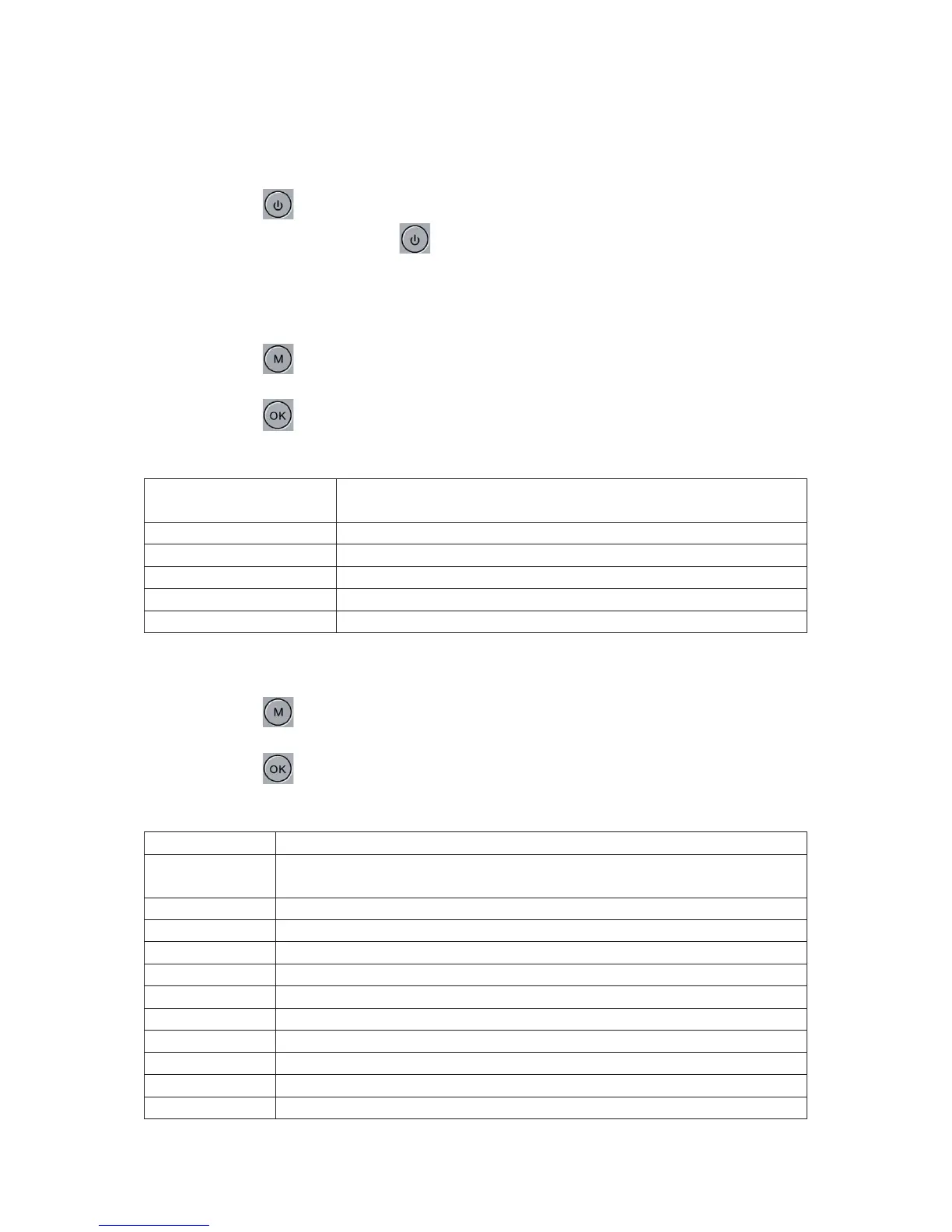
Press briefly the button, the indicator will turn blue to indicate that the camera has
been turned on; Press and hold the button to turn off the camera, the blue indicator
will turn off.
Note: The camera will automatically turn of as soon as the “low battery “icon appears.
Video mode
Press briefly the button, to switch to Video mode, the video icon will appear in the left
top corner;
Press briefly the button to start the recording, the red indicator will flash, meaning the
recording is in progress;
1080FD 1920x1080, 720P 1280x720, WVGA 848x480, VGA
640x480
+2/3, +1/3, +0.0, -1/3, -2/3, -1.0, -4/3, -5/3, -2.0
Photo mode
Press briefly the button, to switch to Photo mode, the camera icon will appear in the
left top corner;
Press briefly the button to take a picture, the indicator will flash once, to indicate that
the picture has been taken.
Single, 1sec, 5sec, 10sec.
12M 4000x3000, 10M 3648x2736, 8M 3264x2448, 5M 2592x1944, 3M
2048x1536, 2MHD 1920x1080, VGA 640x480, 1.3M 1280x960
Auto, Daylight, Cloudy, Tungsten, Fluorescent
Color, Black/White, Sepia
+2/3, +1/3, +0.0, -1/3, -2/3, -1.0, -4/3, -5/3, -2.0


 To Next Page
 Loading...