34
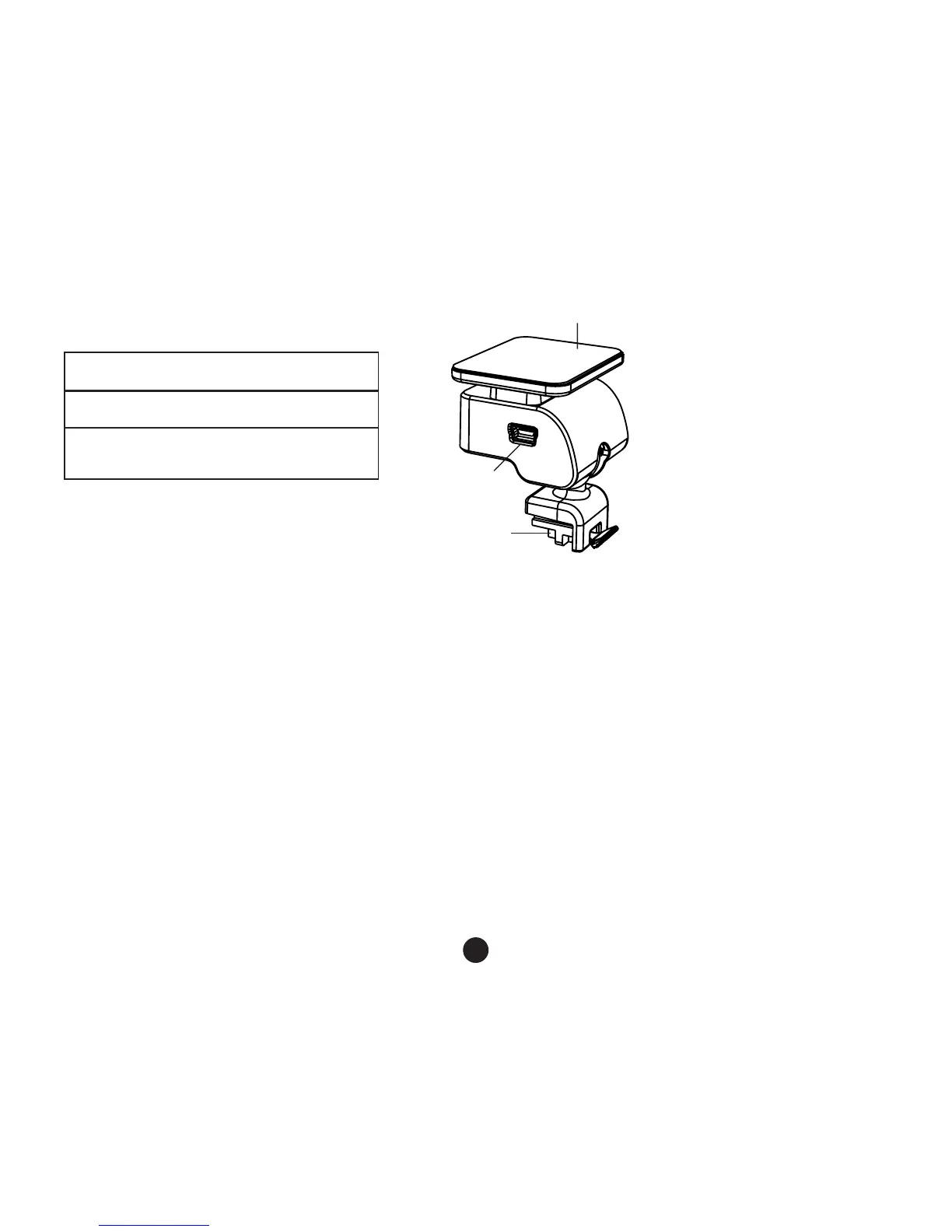
Introductie montage opzetstuk:
1. Stroomtoevoer
2. 3M sticker voor het opzetstuk
3. Opzetstuk koppeling met de poort
van het apparaat
b. Functietoetsen
Power Button:
Press this button for 2 – 3 sec. to turn on/off the device.
Photo Button:
In video mode, press this button to take picture. In playback mode, when replaying video, press this button to
take picture from current video.
Reset Button:
When the device has crashed, press this button to shut down the device.
Menu Button:
Press this button during standby status or playback mode, menu list of current mode will appear. When the
device is recording, press this button to set the ash light status (auto/off/on).
File Protection Button:
In video mode, press this button to set the recording video to be protected manually, so as to prevent it from
being overwritten by loop recording. When le protection is active, the icon will appear on LCD display.



 To Next Page