4 First Installation
4.1 Hardware Setup
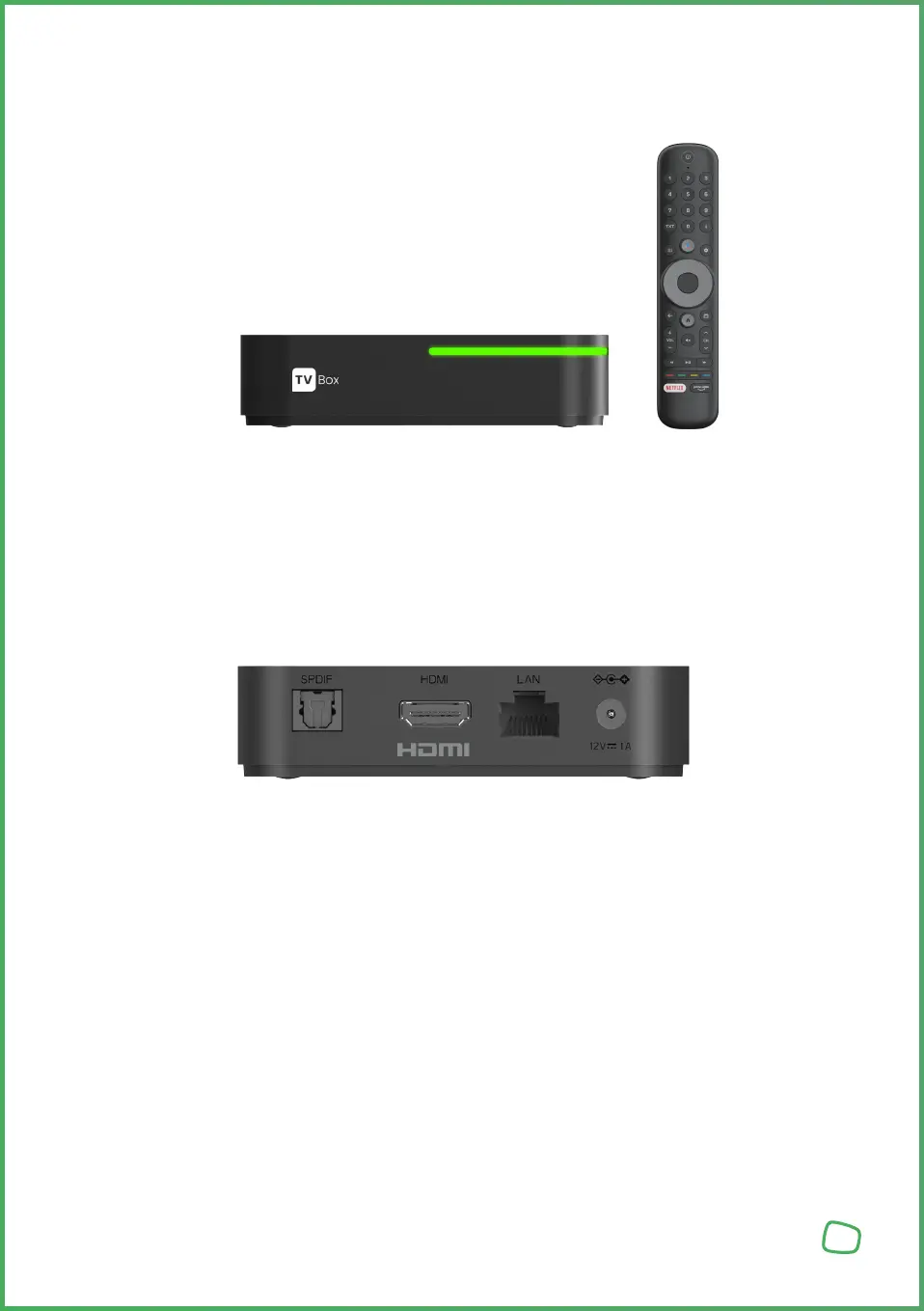
Please note: batteries shall be inserted into the remote control.
The remote control comes with built-in Bluetooth, so you don‘t need
a clear line of sight between the remote control and the decoder.
1. Make sure the TV is turned on.
2. Connect the set-top-box to the TV using the supplied HDMI cable.
3. Connect the power adapter to the set-top-box and plug it in a power socket.
4. Select the TV input to which the set-top-box is connected to using your TV remote control.
5. Once the connection is successfully established, the Welcome Assistant will appear on the TV screen.
Connection to the TV Set
6



 To Next Page