GB
3
USING THE SCALE
TO SWITCH ON
1. If using a bowl place the bowl on the
platform before switching the scale on.
2. Press ON/TARE button.
‘HELO’ appears on display.
3. Wait until display shows zero.
PRESS TO CONVERT WEIGHT UNITS
Press UNIT button to convert between metric
and imperial units, at any time during weighing.
TO ADD & WEIGH
To weigh several different ingredients in one bowl, press ON/TARE to reset the display between
each ingredient.
AUTO SWITCH OFF
Scale reverts to clock mode if display shows
zero or same weight for 3 minutes.
MANUAL SWITCH OFF
To maximise battery life press TIME button
to switch to clock mode.
CLEANING AND CARE
• Clean the scale with a slightly damp cloth. DO NOT immerse the scale in water or use
chemical/abrasive cleaning agents.
• All plastic parts should be cleaned immediately after contact with fats, spices, vinegar and strongly
flavoured/coloured foods.Avoid contact with acids such as citrus juices.
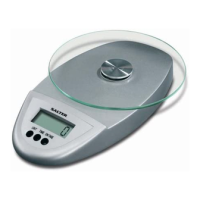
• The glass platform on this scale is removable.* To remove the platform, rotate the glass platform
anti-clockwise to separate it from the rest of the scale.
*Select models only
NOTE:The Platform is not dishwasher safe.
To avoid damage to scale do NOT exceed scale maximum capacity.
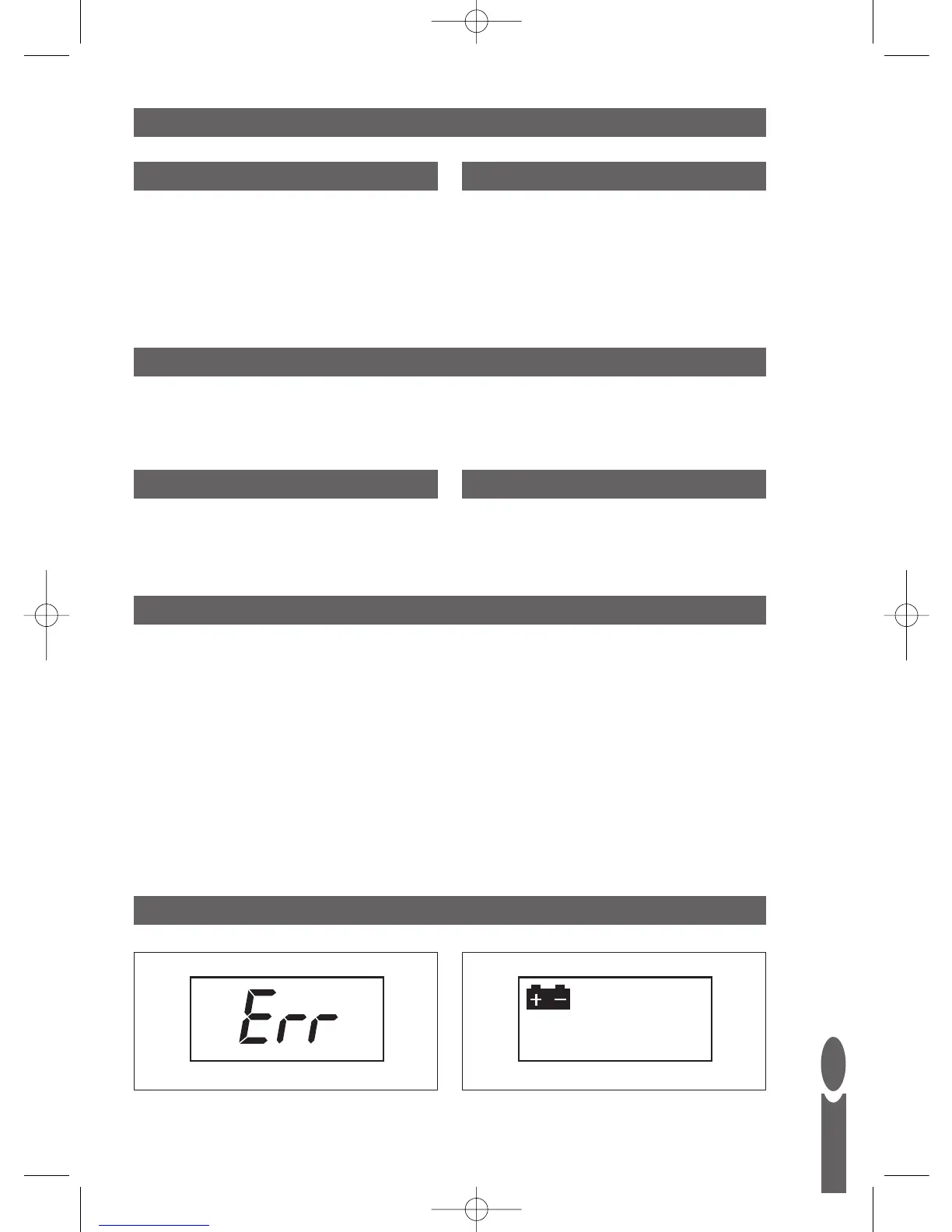
WARNING INDICATORS
Err = Weight overload.
Replace battery.


 To Next Page