Getting started
32
Additional keyboard functions
•
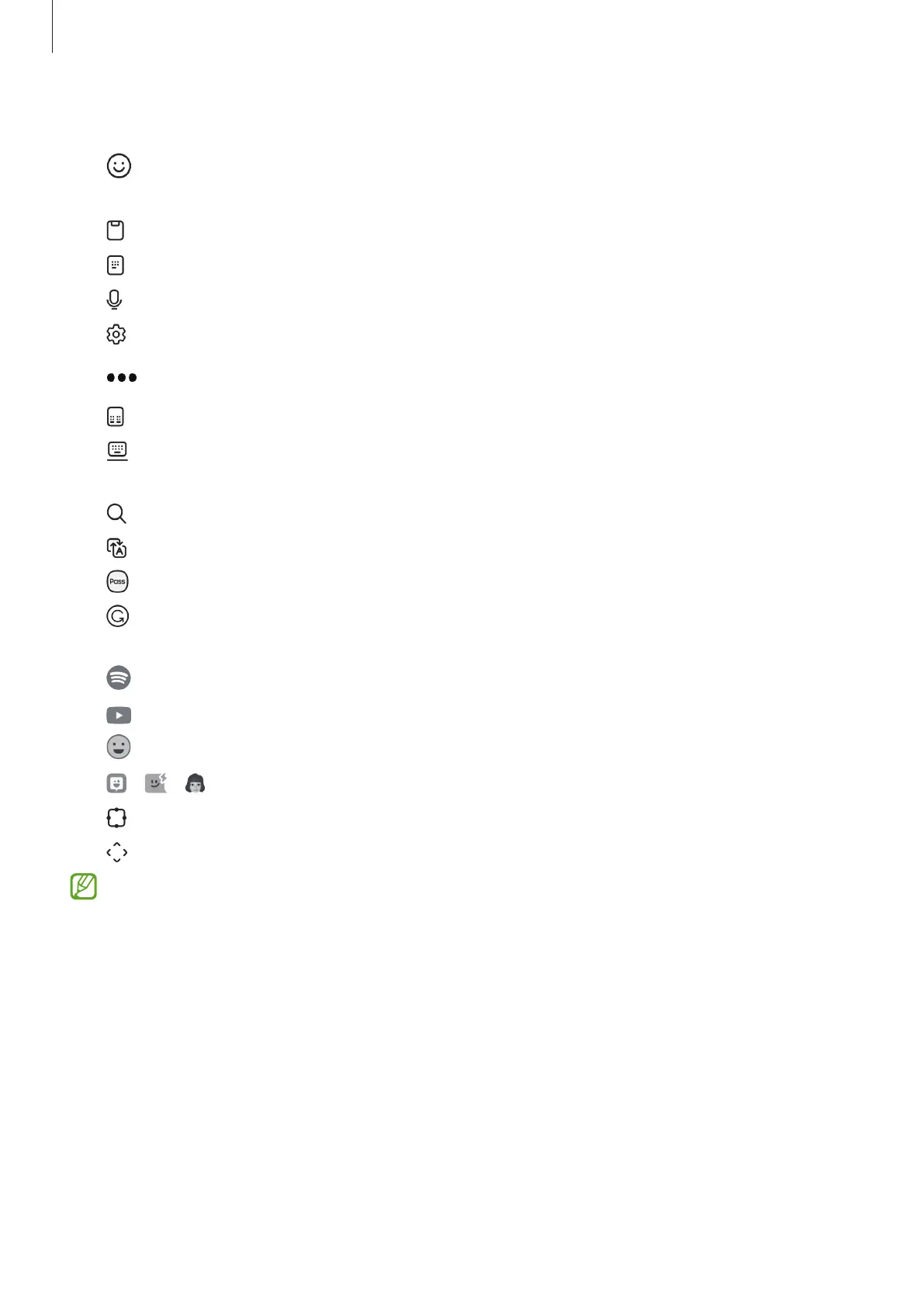
: Enter emojis, stickers, and more. You can also enter your emoji stickers that look
like you. Refer to Using your AR emoji stickers in chats for more information.
•
: Add an item from the clipboard.
•
: Switch to one-handed operation mode.
•
: Enter text by voice.
•
: Change the keyboard settings.
Tap
to use more keyboard functions.
•
: Switch to the split keyboard.
•
: Switch to the floating keyboard. You can move the keyboard to another location
by dragging the tab.
•
: Search for content and enter it.
•
: Translate text and enter it.
•
: Enter your personal information registered to Samsung Pass.
•
: Find spelling and grammatical mistakes and get suggestions when writing in
English.
•
: Share music links.
•
: Share video links.
•
: Enter emojis.
•
/ / : Enter stickers.
•
: Change the keyboard size.
•
: Open the text editing panel.
Some features may not be available depending on the carrier or model.



 To Next Page