Apps and features
46
Video mode
The camera adjusts the shooting options automatically depending on the surroundings.
1 On the shooting modes list, tap
VIDEO
and tap to record a video.
To capture an image from the video while recording, tap
.
2 Tap to stop recording the video.
The optical zoom may not work in low-light environments.
Portrait mode
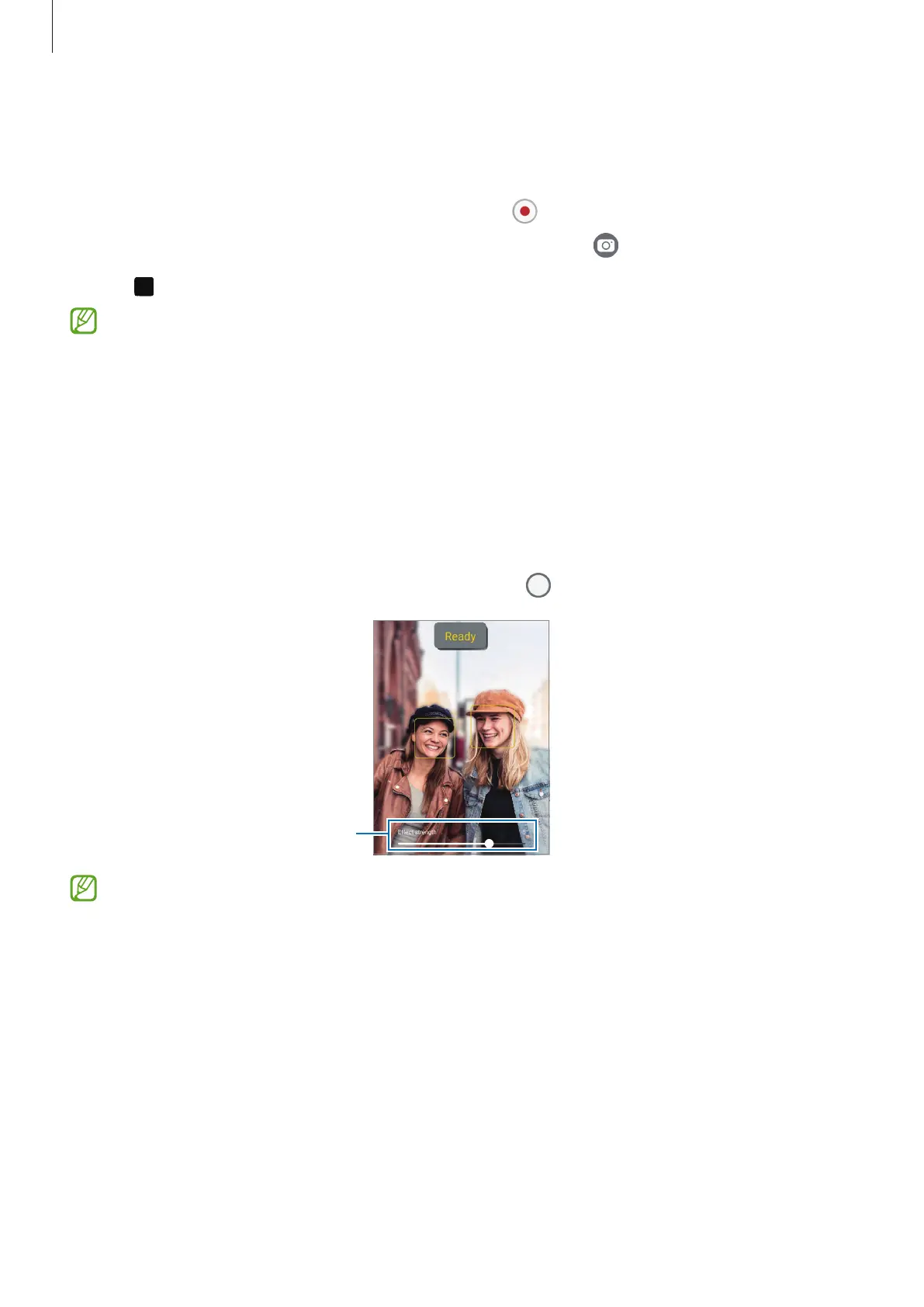
By using Portrait mode, you can take pictures where the background is blurred and the
subject stands out clearly.
1 On the shooting modes list, tap
PORTRAIT
.
2 Drag the background blur adjustment bar to adjust the blur level.
3 When
Ready
appears on the preview screen, tap to take a picture.
Background blur adjustment bar
•
Use this feature in a place that has sufficient light.
•
The background blur may not be applied properly in the following conditions:
‒
The device or the subject is moving.
‒
The subject is thin or transparent.
‒
The subject has a similar colour to the background.
‒
The subject or background is plain.



 To Next Page