26
Copy
Copy Options
Copying
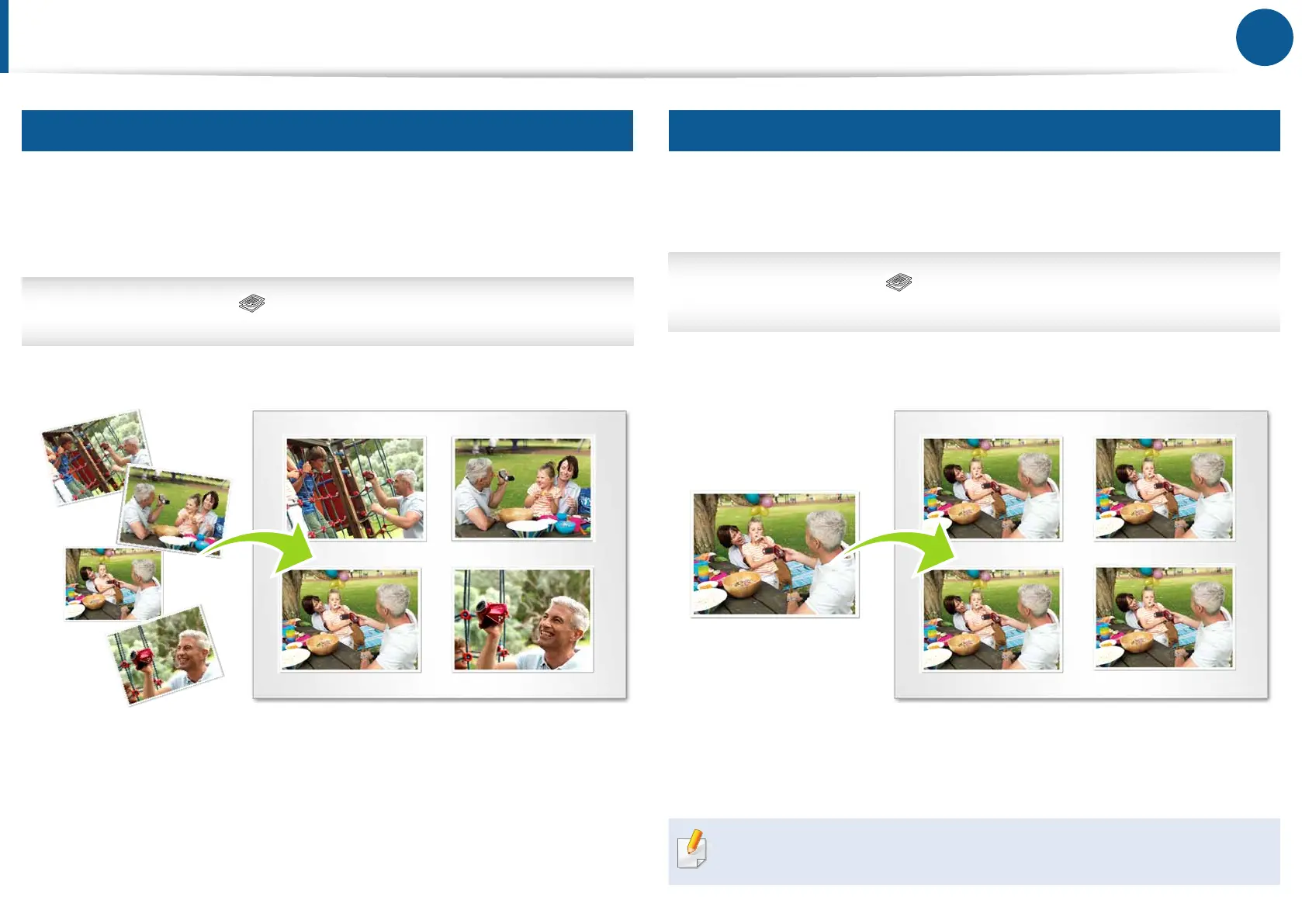
Multiple Pages per Side
Usingthisfeaturereducesthesizeoftheoriginalimagesandprints2or
4pagesontoonesheetofpaper.Youcanmakeavoluminousworkintoa
portablesummary.Reduceyourdocument’ssizeandpaperusagewiththis
feature.
Printer’scontrolpanel> Copybutton>Menu>Copy Feature>
Layout> 2upor4up
Cloning Multiple Originals on Page
Whenyouusethecloningfeature,youcanprintmultipleoriginalimages
onasinglepage.Thenumberofimagesisautomaticallydeterminedbythe
originalimageandthepapersize.
Printer’scontrolpanel> Copybutton > Menu > Copy Feature >
Layout>Clone Copy
Thisfeatureisavailableonlywhenyouplacetheoriginaldocument
onthescannerglass.





 To Next Page