EasyManua.ls Logo

Samsung Dart - STATUS BAR AND NOTIFICATION SCREEN; Unlock the screen; Add widgets, shortcuts, and folders to the Home screen

Samsung Dart
22 pages
Print Icon
To Next Page IconTo Next Page
To Previous Page IconTo Previous Page
Loading...
9 10
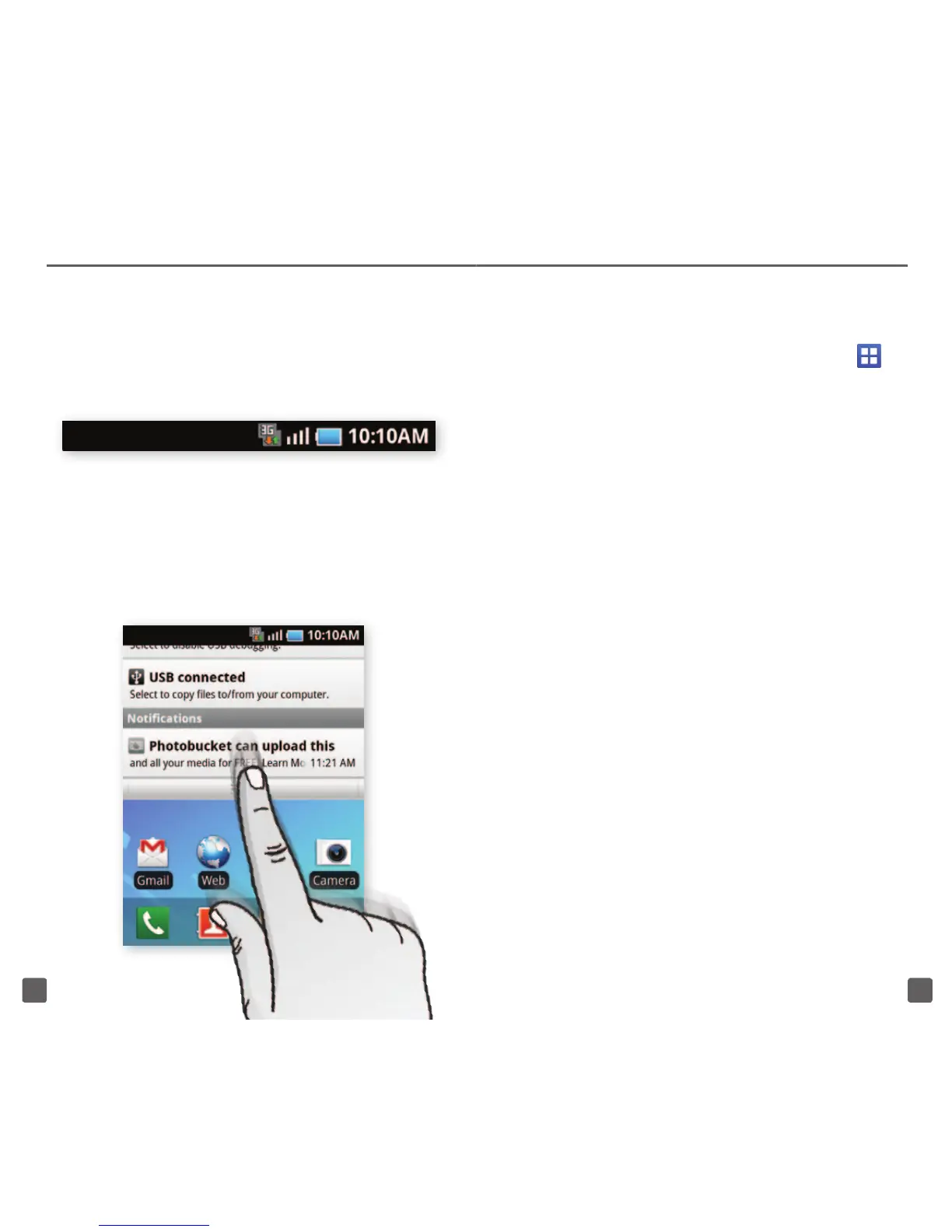
Status bar




Notification screen

Status




Applications screens

Applications




Unlock the screen
Power/Lock


Unlock

Add widgets, shortcuts, and folders to
the Home screen

Add to
Home screen
Widgets, Shortcuts,Folders


Related product manuals