EasyManua.ls Logo

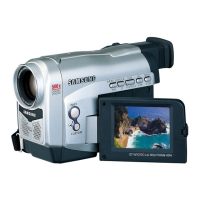
Samsung digital SC-D363 - Right & Top View

Samsung digital SC-D363
111 pages
Print Icon
To Next Page IconTo Next Page
To Previous Page IconTo Previous Page
Loading...
ENGLISH
1111
Getting to Know Your Camcorder
Right & Top View
QUICK
MENU
P
L
A
Y
E
R
C
A
M
E
R
A
MIC
DV
USB
AV/ S
1. Zoom Lever (VOL/Menu Dial)
2. PHOTO Button page 57
3. QUICK MENU Button
4. MENU Button
5. Start/Stop Button
6. Power Switch (CAMERA or PLAYER)
7. DC Jack
8. Jack Cover
9. Jacks
10. Cassette Door
11. Hand Strap Hook
4. MENU Button
5. Start/Stop Button
6. Power Switch
1. Zoom Lever
(VOL/Menu Dial)
2. PHOTO Button
3. QUICK MENU Button
7. DC Jack
8. Jack Cover
10. Cassette Door
9. Jacks (See below)
11. Hand Strap Hook
Jacks
SC-D263
SC-D363
External
MIC
IEEE1394 AV
Cable
External
MIC
IEEE1394 USB AV
Cable
External
MIC
IEEE1394 USB Multi
Cable
SC-
D362/D364/
D365/D366

Table of Contents

Related product manuals