ENGLISH
6464
Playback
Tape Playback
✤ The Playback function works only in <Player> mode. ➥page 19
Playing back on a TV Monitor
✤ To play back a tape, the television must be NTSC compatible. ➥page 97
✤ We recommend that you use the AC Power adapter as the power source
for the Camcorder.
Connecting to a TV which has Audio/Video Input Jacks
1. Connect the Camcorder to your TV with the Audio/Video Cable or Multi
Cable.
■
The yellow jack: Video
■
The white jack: Audio(L)-mono , The red jack: Audio(R)
■
If you connect to a monaural TV, connect the yellow jack (Video) to the
video input of the TV and the white jack (Audio L) to the audio input of the
TV.
2. Set the [Power] switch to [PLAYER].
3. Set the [Mode] switch to [TAPE]. (SC-D363/D364/D365/D366 only)
4. Turn on the TV and set the TV/VIDEO selector on the TV to Video.
■
Refer to the TV user’s manual.
5. Play the tape. ➥page 63
[ Notes ]
■
You may use an S-Video connector on the cable to obtain better quality
pictures if you have a S-Video connector on your TV.
(SC-D362/D364/D365/D366 only)
■
Even if you use an S-Video connector, you need to connect an audio
cable. (SC-D362/D364/D365/D366 only)
■
If you connect the cable to the Audio/Video jack or AV/S jack, you will not hear sound from the Camcorder's speaker.
■
If only a mono audio input is available on the TV set, use the audio cable with the white jack (Audio L).
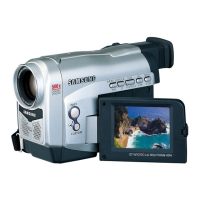
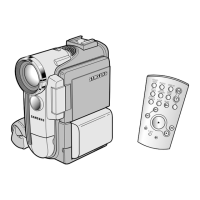
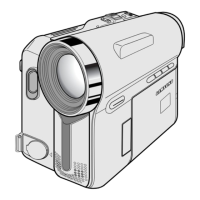
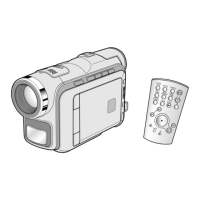
Camcorder
Multi Cable
Signal flow
TV
Multi Cable (SC-D362/
D364/D365/D366)
Camcorder
AV Cable
Signal flow
TV
AV Cable
(SC-D263/D363)
✤
Connect the Multi AV/S jack with the triangle mark
facing down. (SC-D362/D364/D365/D366 only)



 To Next Page
 Loading...