4
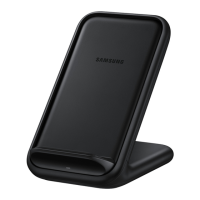
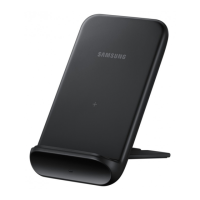
Using the wireless charger
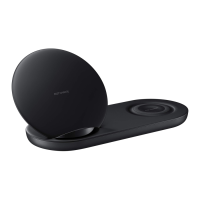
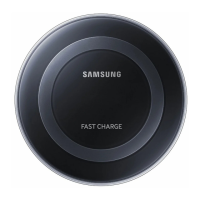
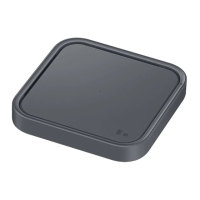
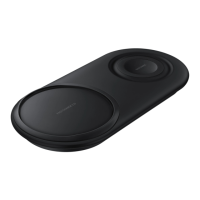
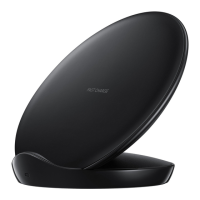
1. Connect the charger to the wireless charger.
2. Place a supported mobile device on the
phone stand. (
)
Charging will begin when the wireless
charging surface comes into contact with the
mobile device’s wireless charging coil.
3. When the mobile device is fully charged,
remove the mobile device from the wireless
charger.
•
Use only Samsung-approved chargers
above the rated input voltage.
•
Do not place foreign materials, such
as metal objects, magnets, and
magnetic stripe cards, between the
mobile device and the wireless charger.
The mobile device may not charge
properly or may be damaged due to
overheating.


 To Next Page
 Loading...