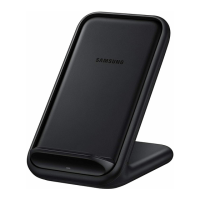
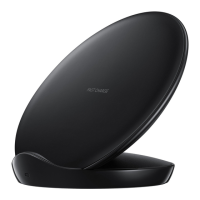
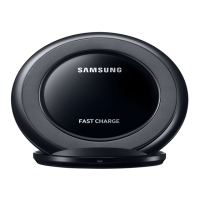
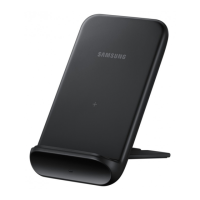
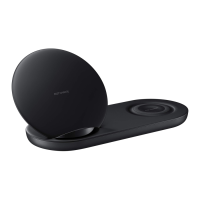
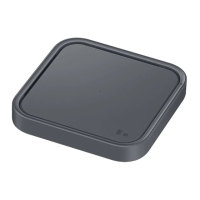
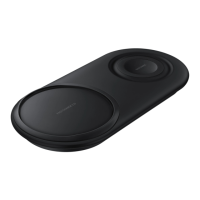
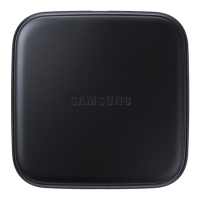
Using the wireless charger
9
Indicator light identification
The indicator light alerts you to the wireless charger’s status.
Color Status
Red
→
Green
→
Orange
•
When connected to a power outlet
Red
•
When charging
Green
•
When fully charged
Flashing red
•
When not charging properly due to a general error
Off
•
When the mobile device is removed from the wireless charger or
when the wireless charger is not connected to a power outlet
•
If the indicator light does not work as described, disconnect the charger from the
wireless charger and reconnect it.
•
The indicator light may work differently depending on the mobile device or the
wireless charging cover.


 To Next Page
 Loading...