3
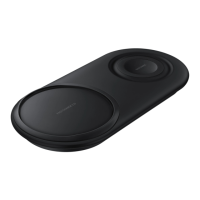
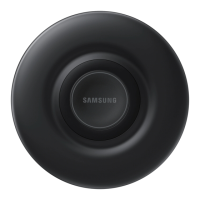
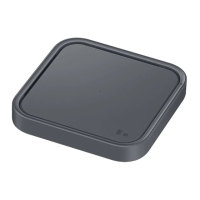
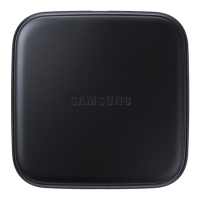
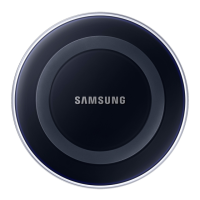
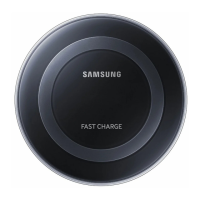
Device layout
Wireless charging
surface
Indicator light
Charger port Fan vent
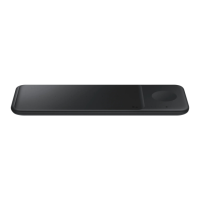
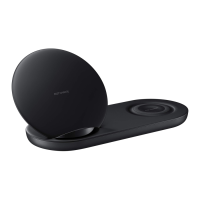
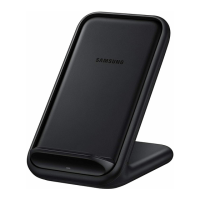
Wireless charging covers and chargers
are sold separately.
Using the wireless charger
1. Connect the charger to the wireless charger.
Then, place a supported mobile device in the
centre of the charging surface. (
1
)
2. When the mobile device is fully charged,
remove the mobile device from the wireless
charger.
Use only Samsung-approved chargers
(5 V/2 A, 5.3 V/2 A, and 9 V/1.67 A).
•
The charger should remain close to the
electric socket and easily accessible
while charging.
•
The socket-outlet shall be installed
near the equipment and shall be easily
accessible.
•
If you use the wireless charger in areas
with weak network signals, you may
lose network reception.


 To Next Page
 Loading...