Using the wireless charger
6
2
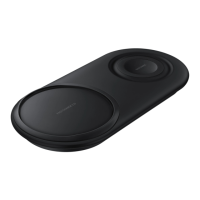
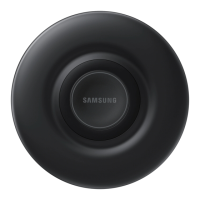
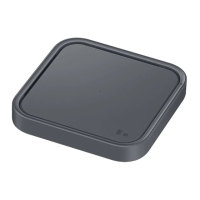
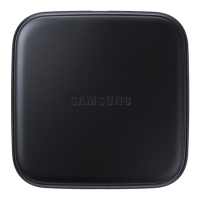
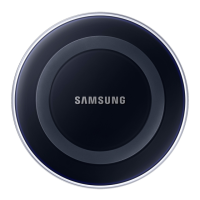
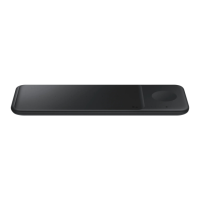
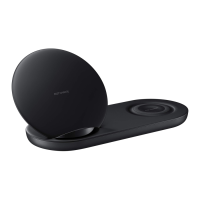
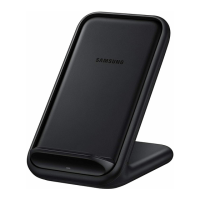
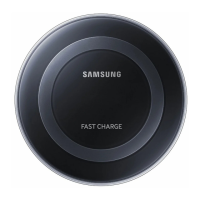
Place a supported mobile device in the centre of the charging surface.
Check the charging icon displayed on the mobile device’s screen for the charging status.
To charge a mobile device that does not have a built-in wireless charging coil, attach
a wireless charging cover to the mobile device. Then, place the mobile device on the
wireless charger.
•
Do not place the wireless charging cover solely on the wireless charger. Doing so
may overheat the wireless charger and cause a fire. It may also result in serious
burn or device malfunction.
•
Do not cover or block the wireless charger’s fan vent.


 To Next Page
 Loading...