Apps and features
186
LIVE DRAWINGS
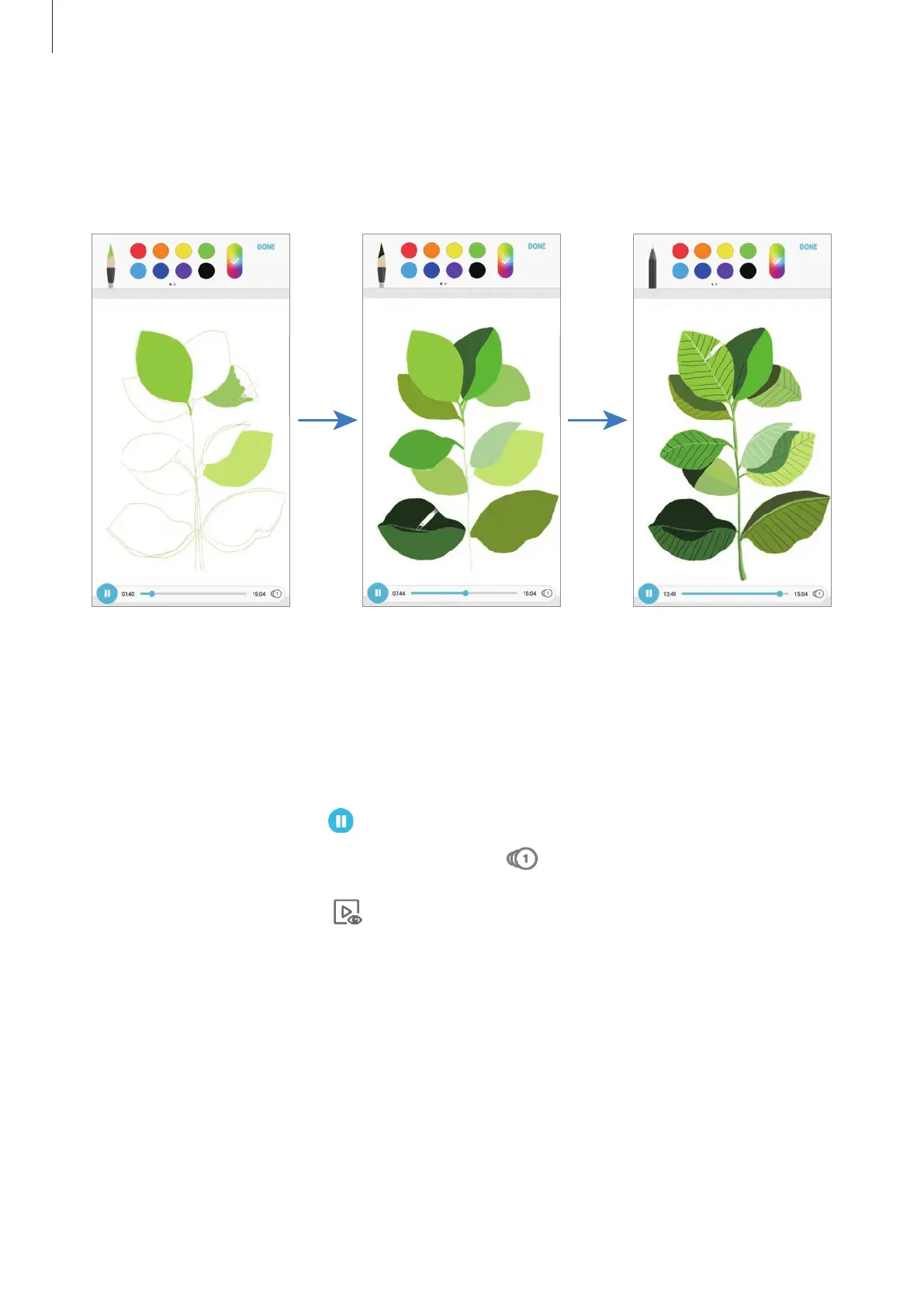
Draw along as you watch the live drawing video that shows the process of completing an
image. You can easily draw a nice image.
1
Open the
Samsung
folder, launch the
PENUP
app, and then tap
LIVE DRAWINGS
.
2
Select an image.
3
Tap
LEARN TO DRAW
.
4
To draw on the image, tap to pause the playback.
You can change the playback speed by tapping .
5
When you are finished, tap .
The original image will be hidden and you can see the image you drew.













 To Next Page