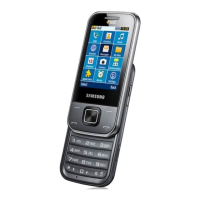
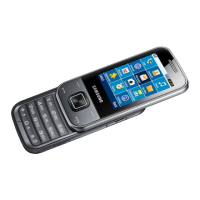
SAMSUNG Proprietary-Contents may change without notice
11.
Disassembly and Assembly Instructions
11-1
This Document can not be used without Samsung's authorization
11-1.
Disassembly
※
Caution
1)
Be careful not to make scratch and molding
damage.
※
Caution
1)
Be careful not to make scratch and molding
damage.
※
Caution
1)
Be careful not to make damage to INTENNA
※
Caution
1)
Be careful not to make scratch and molding
damage.
1)
Unscrew the
6
points.
1
1)
Perform TSP FPCB visual check
2
3
4
1)
Separate the rear case.
1)
Separate the LCD connectors, then
unhook at the
4
points.
After
disassembling the
rear case, check
the TSP FPCB
damage.
Be careful not to damage the SMD material.
Don't use DISASSEMBLE JIG deeply.



 To Next Page
 Loading...