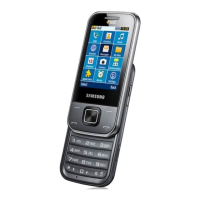
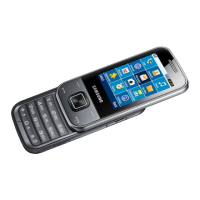
introducing your mobile phone
13
Phone layout
The front of your phone includes the following keys
and features:
The rear of your phone includes the following keys
and features:
Volume key
Power/Menu
exit key
Earpiece
Touch screen
Back key
Multifunction
jack
Mouthpiece
Dial key
You can lock the touch screen and keys to
prevent any unwanted phone operations. To
lock, press [ ]. To unlock, press and hold [ ].
Battery cover
Camera key
Internal antenna
Speaker
Hold key
Camera lens
Headset jack
Memory card
slot



 To Next Page
 Loading...