25
ENG
● CONNECTIONS
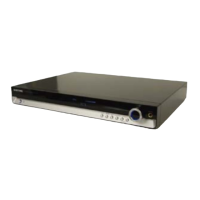
CONNECTING A DVD OR BD(Blu-ray) PLAYER
Video Connection
Connect a Component video cable(not supplied) from the COMPONENT IN (BD/DVD) (PR, PB and Y)
jacks on the back of your AV Receiver to the Component Video Output jacks on your DVD/BD player.
OR
Connect a Video cable from the VIDEO IN (BD/DVD) jack on the back of your AV Receiver to the Video
Output jack on your DVD/BD player.
Audio Connection
Connect the Digital Input (OPTICAL 1) on your AV Receiver to the Digital Output of the DVD/BD player.
OR
Connect AUDIO IN (BD/DVD) on your AV Receiver to the Audio Out of the DVD/BD player.
COMPONENT
IN
VIDEO
IN
OPTICAL
OUT
AUDIO
OUT
VIDEO
OUT
COMPONENT
OUT
or
or
or
DVD or BD Player
- HW-C900-XAA_0831.indd 25 - HW-C900-XAA_0831.indd 25 2010-08-31 6:22:002010-08-31 6:22:00



 To Next Page
 Loading...