S
ETTING
U
P
Y
OUR
P
RINTER
2.2
Unpacking
1
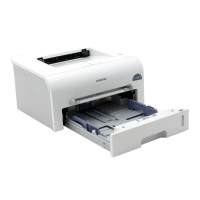
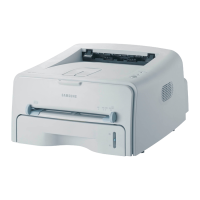
Remove the Printer and all accessories from the packing
carton. Make sure that the printer has been packed with the
following items:
Notes:
• If any items are missing or damaged, notify your dealer
immediately.
• Components may differ from one country to another.
• The CD-ROM contains the printer driver, the User’s Guide, and
the Adobe Acrobat Reader program.
2
Carefully remove all of packing tapes from the printer.
Toner Cartridge Power Cord
CD-ROM
Setup Guide
Tape



 To Next Page
 Loading...