English 39
Operations
Samsung account
You are required to register your Samsung account to use the app. If you don’t have a
Samsung account, follow the app’s onscreen instructions to create a free Samsung account.
Getting started
Turn on the device you want to connect, open the SmartThings app on your phone, and
then follow the instructions below.
If a pop-up appears saying that a new device has been found, tap ADD NOW.
If a pop-up doesn't appear, tap the + button, and then select the device you want to
connect from the list of available devices.
If your device isn't in the list of available devices, tap Supported Devices, select the device
type (Refrigerator), and then select the specic device model.
Follow the instructions in the app to set up your device. Once setup is complete, your
refrigerator will appear as a "card" on your Devices screen.
Refrigerator app
Integrated control
You can monitor and control your refrigerator at home and on the go.
• Tap the refrigerator icon on the SmartThings Dashboard or tap the Devices icon at the
bottom of the Dashboard, and then tap the refrigerator "card" to open the Refrigerator
page.
• Check the operation status or notications related to your refrigerator, and then
change options or settings if necessary.
NOTE
Some options or settings of the refrigerator may not be available for remote control.
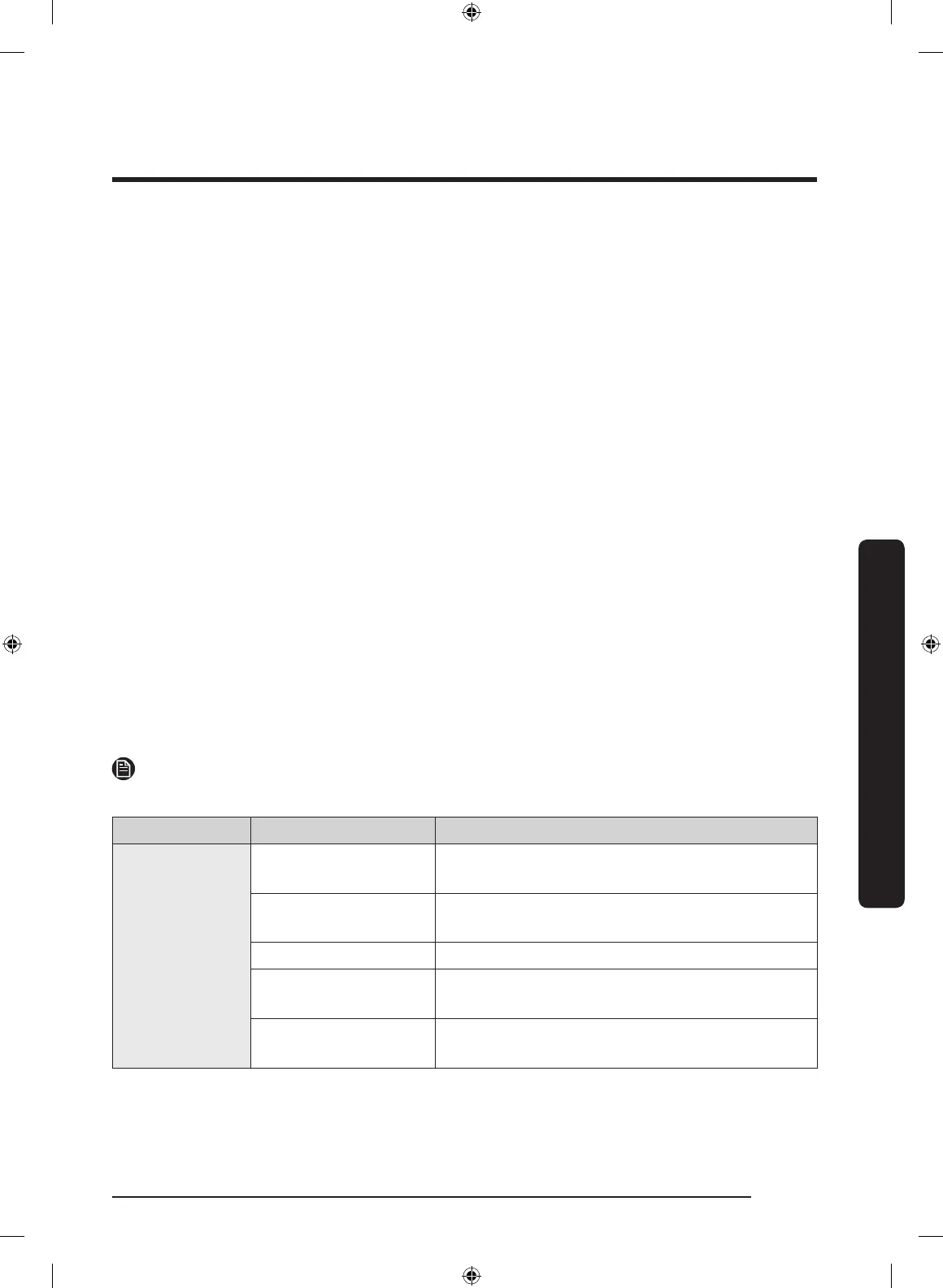
Category Item Description
Monitoring
Fridge temperature
Displays the desired temperature setting of the
fridge.
Freezer temperature
Displays the desired temperature setting of the
freezer.
FlexZone™ settings Displays the settings of the FlexZone™.
Diagnosis
Detects abnormal operations of the
refrigerator.
Energy monitoring
Checks the accumulated power consumption of
the refrigerator for the last 180 days.
Untitled-1 39 2020-04-09 AM 10:49:06



 To Next Page