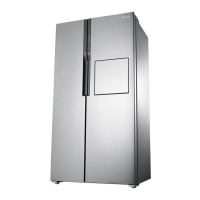
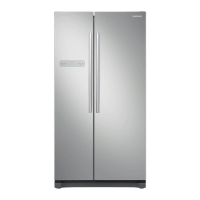
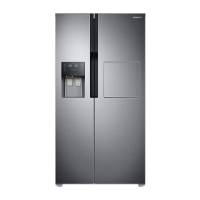
REMOVINGTHEFREEZERACCESSORIES
Cleaning and r
earranging the interior of the fr
eezer is a snap.
1. Remove the Glass Shelf by pulling the shelf out as far as it
will go. Then, gently lift it up and r
emove it.
In case it does not have hooks itself in the back side for
not being tilted,a shelf should be placed deeply in a pr
oper
position wher
e ther
e are blocks for shelves as shown. if
not, the shelf can fall out of a refrigerator.
2. Remove the Door Bin by holding the door bin with both hands and
then gently lift it up.
3. Remove the Plastic Drawer by pulling it out and slightly lifting it up.
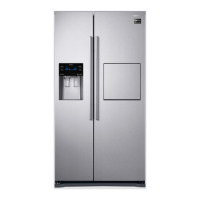
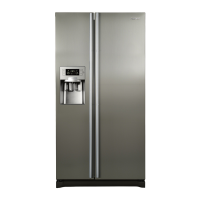
operating the SAMSUNG
side-by-side refrigerator
WARNING
REMOVINGTHEFRIDGEACCESSORIES
Cleaning and rearranging the interior of the fridge is a snap.
1. Remove the Glass Shelf by pulling the shelf out as far as it will
go. Then, gently lift it up and gently remove it.
In case it does not have hooks itself in the back side for
not being tilted,a shelf should be placed deeply in a proper
position where there ar
e blocksfor shelves as shown. if not,
the shelf can fall out of a refrigerator.
2. Remove the Vegetable & Fruit Drawer by pressing on the indentations
and remove by pulling forward. Holding the drawer with one hand, lift
it up a little bit while pulling it forward and take it out of the refrigerator.
3. Remove the Gallon Door Bin by holding the bin with both hands
and gently lifting it up.
4. Home bar door (optional)
- Grasp food box with both hands; lift and take
it out.
- Grasp bar box with both hands; lift and take it
out.
- Take out food box and bar box in order.
Before removing any accessories, make sure that no food is in the way.
When possible, remove the food altogether to reduce the risk of accidents.
WARNING
(1) (2) (3)
Block
Block
operating_23
02 OPERATING


 To Next Page
 Loading...