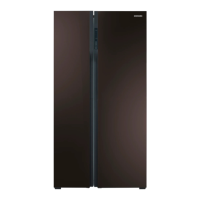
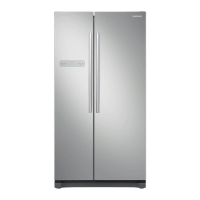
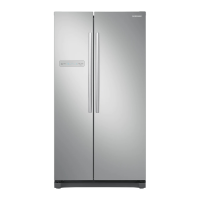
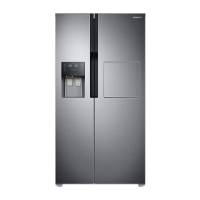
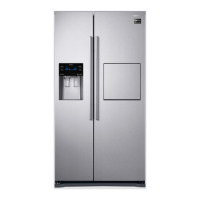
setting up your side-by-side
refrigerator
GETTING READY TO INST
ALL THE REFRIGERA
TOR
Congratulations on the purchase of your Samsung Side-By-Side Refrigerator. We hope you will enjoy the
many state-of-the-art features and efficiencies that this new appliance has to of
fer.
Selectingthebestlocationfortherefrigerator
• Select a location without direct exposure to sunlight.
• Select a location with level (or nearly level) flooring.
- If your refrigerator is not level, the internal cooling system may not work corr
ectly.
• Select a location with enough space for the refrigerator doors to open easily.
- Overall space required in use. Refer to drawing and dimension as below.
First thing! Make sure that you can easily move your Refrigerator to its final location by measuring doorways
(both width and height), thresholds, ceilings, stairways, etc.
* The following table lists heights and depths of different models of Samsung refrigerators.
Model RS554NRUA** RS552NRUA**
Capacity (L) 538 L
Dimension
(mm)
Width
Only main body 908mm 908mm
Include doors 912mm 912mm
Depth
Only main body 612mm 612mm
Include doors 700mm 700mm
Height
No doors 1743mm 1743mm
Include doors 1789mm 1789mm
•
Allow clearance to the right, left, back and top when installing. This will help reduce
power consumption and keep your energy bills lower.
•
Install the refrigerator at the place with suitable temperature.
25mm
50mm
140
at least
50mm
1163 mm
1546 mm
at least
50mm
14_settingup


 To Next Page
 Loading...