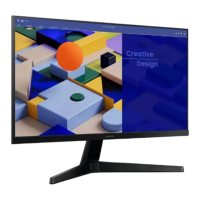
28
Preparations
1
1 Preparations
1.3 Parts
(S22C350B / S23C350B / S24C350BL / S22C350H /
S23C340H / S23C350H / S24C340HL / S24C350H /
S24C350HL / S27C350H)
1.3.1 Frontal Button
The color and shape of parts may differ from what is shown. Specifications are subject to change
without notice to improve quality.
Icons Description
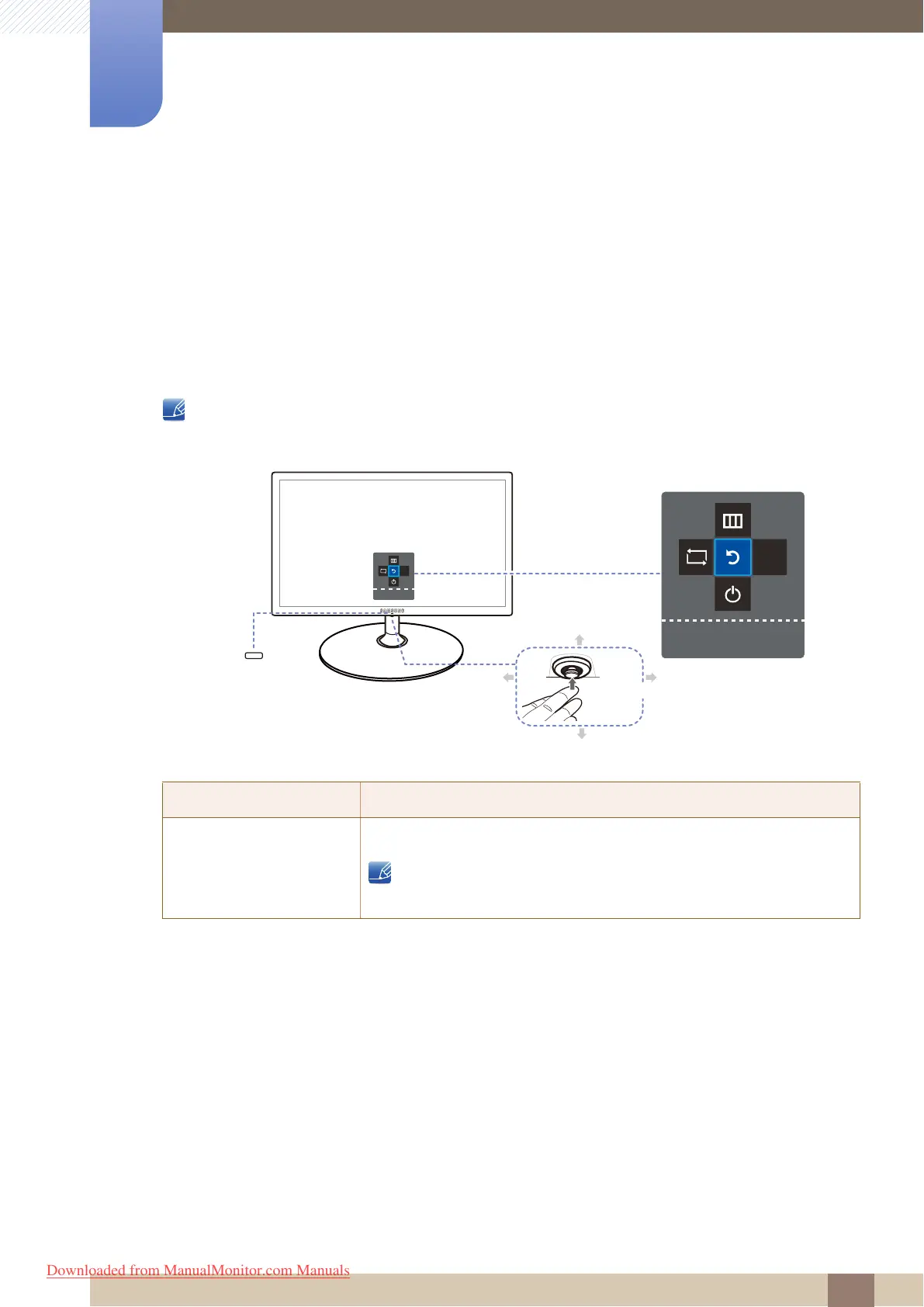
JOG Button
Multi directional button that helps navigate.
JOG button is located in the bottom of the screen center, and has 5
directions as UP/DOWN/LEFT/RIGHT/PRESS(ENTER).
Function Key Guide
JOG Button
Power LED
Return
LEFT
AUTO
Return
AUTO
Return
DOWN(FRONT)
UP(REAR)
RIGHT
PRESS(ENTER)
Downloaded from ManualMonitor.com Manuals


 To Next Page
 Loading...