USING THE DISPLAY ( ) BUTTON
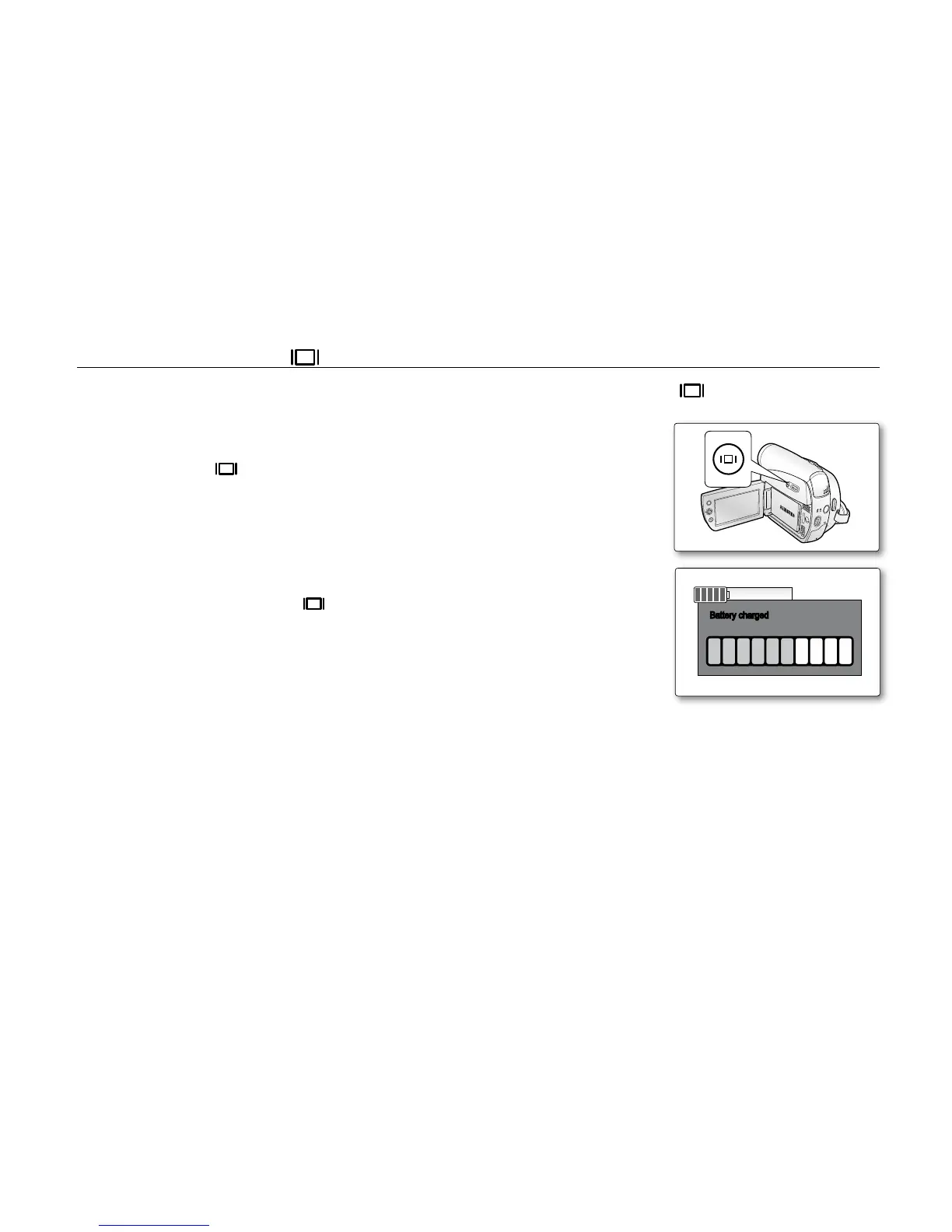
You can switch between the on-screen information display modes: Press the Display ( ) button.
Switching the information display mode
You can switch between the on-screen information display modes:
Press the Display ( ) button.
The full and minimum display modes will alternate.
Full display mode: All information will appear.
Minimum display mode: Only operating status indicators will appear.
Checking the remaining battery
Press and hold the Display ( ) button while charging with the power off.
After a while, the charging status will be displayed on the LCD screen for
7 seconds.
The battery charge status is given as reference and is an estimation.
It may differ depending on the battery capacity and temperature.
•
•
•
•



 To Next Page
 Loading...








