au Support
You can check usage charges, points, contract
details, etc., and perform various procedures.
* If you are using povo, please check with the
povo2.0 app/povo1.0 app.
There are various support information that
will be useful when you are in trouble.
App/Website
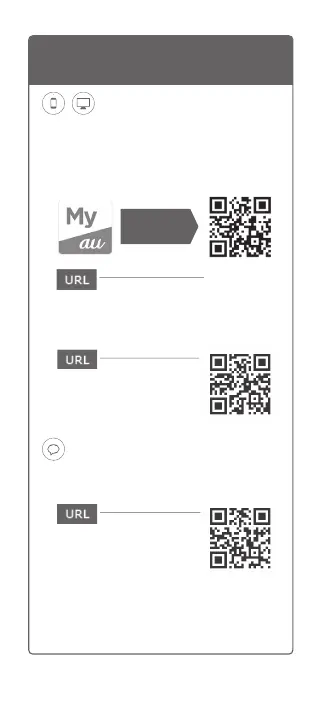
■My au app
■au Support
(web)
Consultation is easy anytime, anywhere via
chat! AI will respond quickly 24 hours a day,
and advisors will respond in detail.
Message
UQ mobile Support
App/Website
You can check the remaining amount of data,
the billing amount, and the subscription status
of various services. One-touch communication
mode switching.
■My UQ mobile (app)
■UQ mobile Support
(web)
Consultation is easy anytime, anywhere via
chat! AI will respond quickly 24 hours a day,
and advisors will respond in detail.
Chat
http://kddi-l.jp/Gf9
(Japanese)
http://kddi-l.jp/Bz6
(Japanese)
http://kddi-l.jp/jQX
(Japanese)
http://kddi-l.jp/j9z
(Japanese)
http://kddi-l.jp/mFH
(Japanese)
http://kddi-l.jp/FJ7
(Japanese)
Check here to
download
Check here to
download
There are various support information that will
be useful when you are in trouble.



 To Next Page