Index
Main Pa
e
Safet
Precautions
Notational
Installation
While Operating
Other
Usin
the Drive
Using the COMBO Drive
Storing and Cleaning Your Discs
MAGIC SPEED
Upgrading the Firmware Flash Memory
System Requirements
Introduction
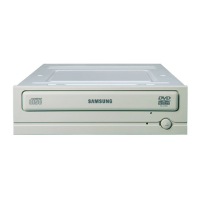
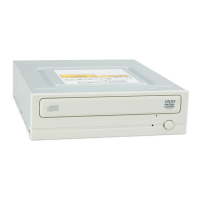
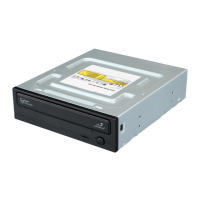
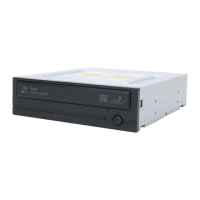
Front
Rear
Troubleshootin
Solving Recording Problems
Caution with errors
Solving Technical Problems
Setu
Installing the COMBO Drive
Connecting the Cables
Installing the CD Record Utility
Installing the Device Driver
Setting Up the Device Driver
S
ecifications



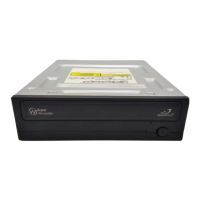


 To Next Page