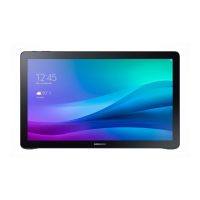
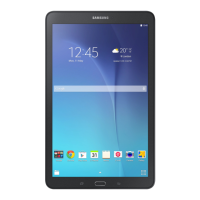
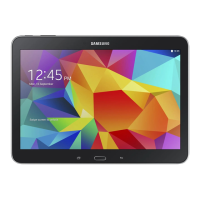
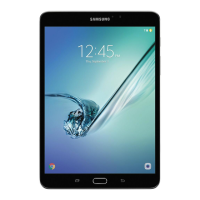
•
Theusermanualmaynotbeavailable
dependingonthewebbrowserorservice
provider.
•
Youmayincuradditionalchargesfor
accessingtheInternet.
Correct disposal
Toviewmoreinformationaboutdeviceandbattery
disposal,tapApps
→
Settings
→
About device
→
Legal information
→
Safety information.
Thismarkingontheproduct,accessoriesor
literatureindicatesthattheproductandits
electronicaccessories(e.g.charger,headset,
USBcable)shouldnotbedisposedofwith
otherhouseholdwaste.
ThisproductisRoHScompliant.
Thismarkingonthebattery,manualor
packagingindicatesthatthebatteriesinthis
productshouldnotbedisposedofwithother
householdwaste.
ForinformationonSamsung’senvironmentalcommitments
andproduct-specificregulatoryobligations,e.g.REACH,
WEEE,Batteries,visit
samsung.com/uk/aboutsamsung/
samsungelectronics/corporatecitizenship/data_corner.html
Charging the battery
Beforeusingthedeviceforthefirsttime,youmust
chargethebattery.
Thechargershouldremainclosetothe
electricsocketandeasilyaccessiblewhile
charging.
Accessing more information
Toviewthefullusermanualonyourdevice,tapApps
→
Settings
→
User manual.
Visit
www.samsung.com
toviewdeviceinformation,
theusermanual,andmore.
Device layout
Toturnonthedevice,pressandholdthePowerkey
forafewseconds.
DC jack
Headset jack
Power key
Volume key
USB port
Installing the SIM or USIM card
Onlynano-SIMcardsworkwiththedevice.
1
2 3
QUICK
START
GUIDE
SM-T677
PrintedinKorea
GH68-45040ARev.1.0
English(EU).09/2015

 Need help?

 To Next Page
 General