Using the SmartThings Station
13
•
The fan may produce noise during fast wireless charging. For mobile devices, you
can turn off fast wireless charging to reduce the wall charger’s fan noise. Refer
to the mobile device’s user manual.
•
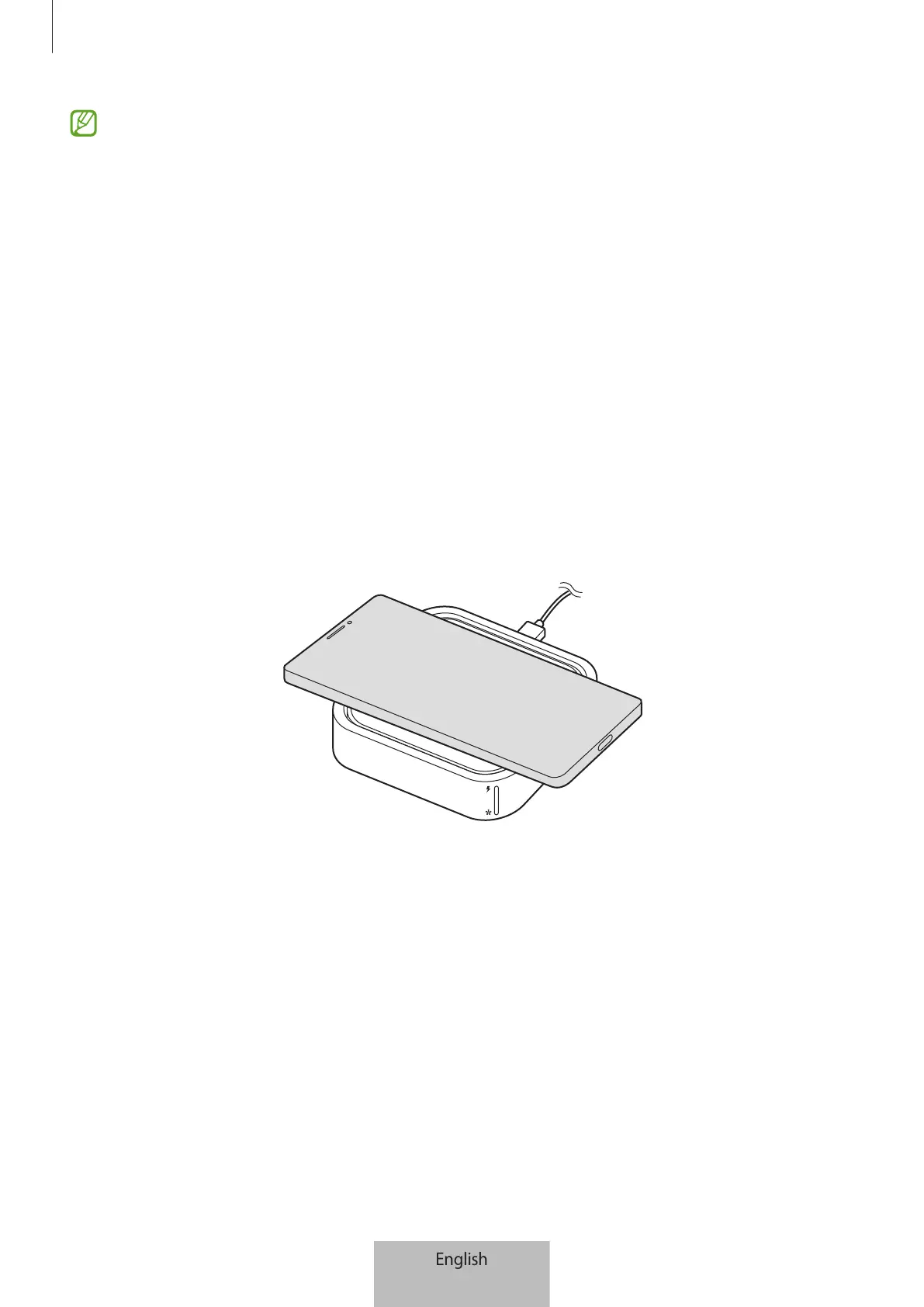
The location of the wireless charging coil may vary by devices you want to
charge. Adjust the devices to connect with the SmartThings Station’s charging
coil properly. If the location of the wireless charging coil is not properly aligned,
the charging speed may be slow or charging may not be successful. Refer to the
user manual of the device you want to charge.
•
If your mobile device or Galaxy Buds has a thick case on it while charging, they
may not charge properly. Charge after removing the case.
•
The wireless charging feature may not work if the wall charger is connected to a
mobile device or Galaxy Buds during wireless charging.
•
If you use the SmartThings Station as a wireless wall charger in areas with weak
network signals, you may lose your network connection.
•
During wireless charging, the wireless wall charger may create noise.



 To Next Page