Operations
English48
Operations
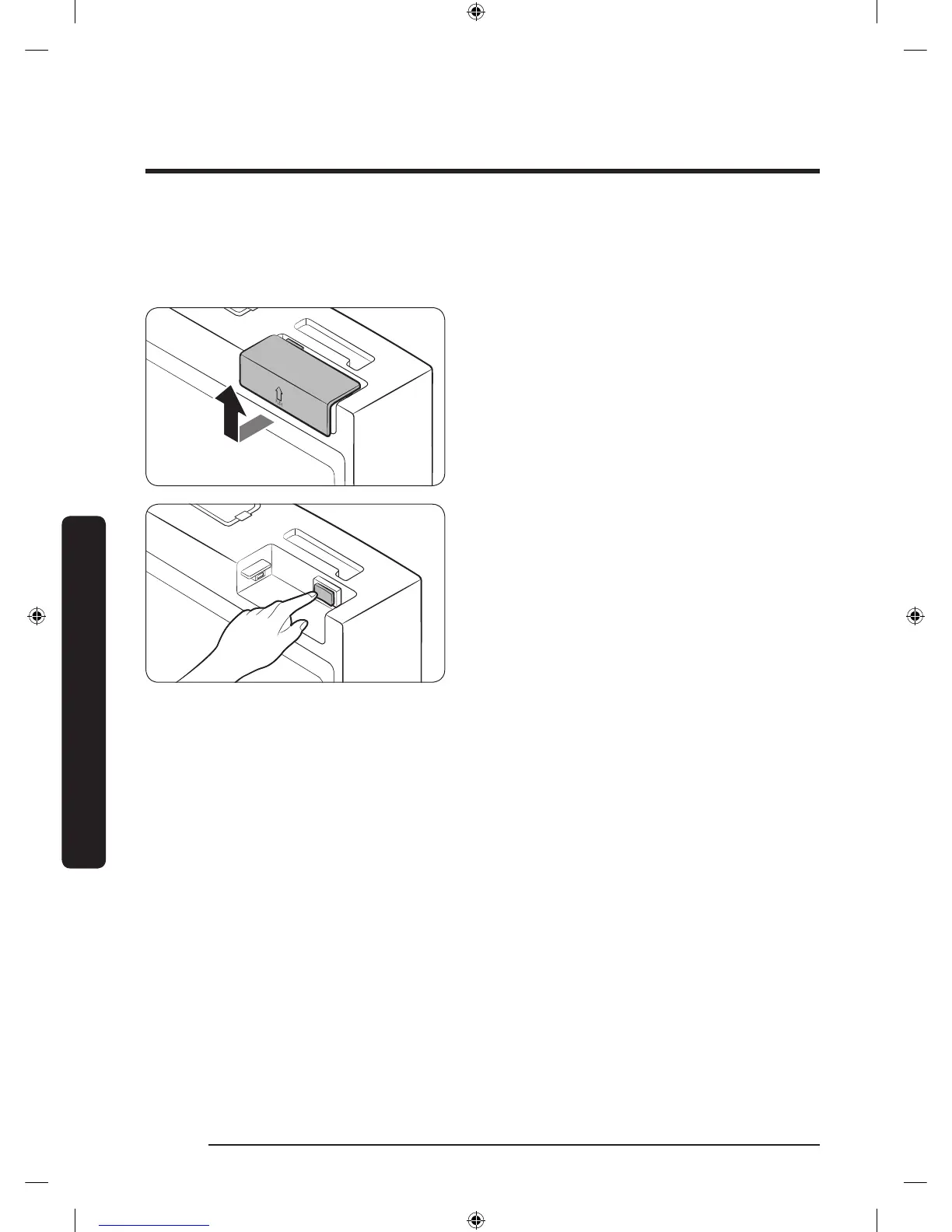
Display reset (applicable models only)
If you encounter an abnormal symptom on the display, try resetting the display. This may
solve the symptom.
1. Open the right-side fridge door and
locate the switch cover on the top right
corner of the door.
2. Push up the cover to reveal the power
switch.
3. Turn the switch off and turn it on again.
4. Reinsert the switch cover to the end
until you hear a clicking sound.
Untitled-16 48 2017-06-28 12:56:23













 To Next Page