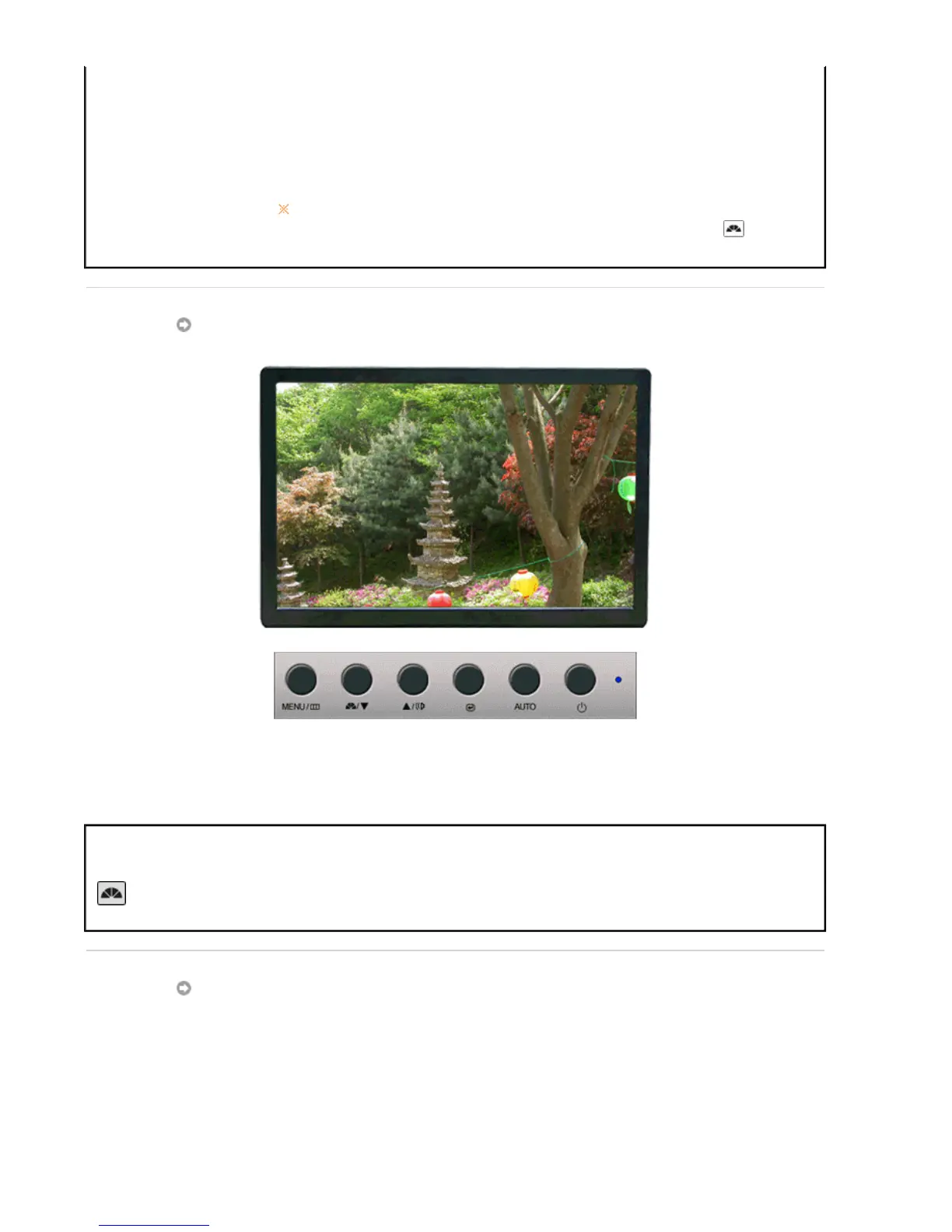
OSD Lock & Unlock
Lock
: Hold down the menu button for more than five seconds to activate
the OSD adjustment lock function.
Unlock
: Hold down the menu button for more than five seconds to
deactivate the OSD adjustment lock function.
Though the OSD adjustment lock function is activated, you can still
adjust the brightness and contrast, and adjust MagicBright ( )
using the Direct button.
MagicBright™
Menu Description
MagicBright™
Push the MagicBright button to circle through available preconfigured
modes.
- Six different modes (Custom/Text/Internet/Game/Sport/Movie)
Volume








 To Next Page