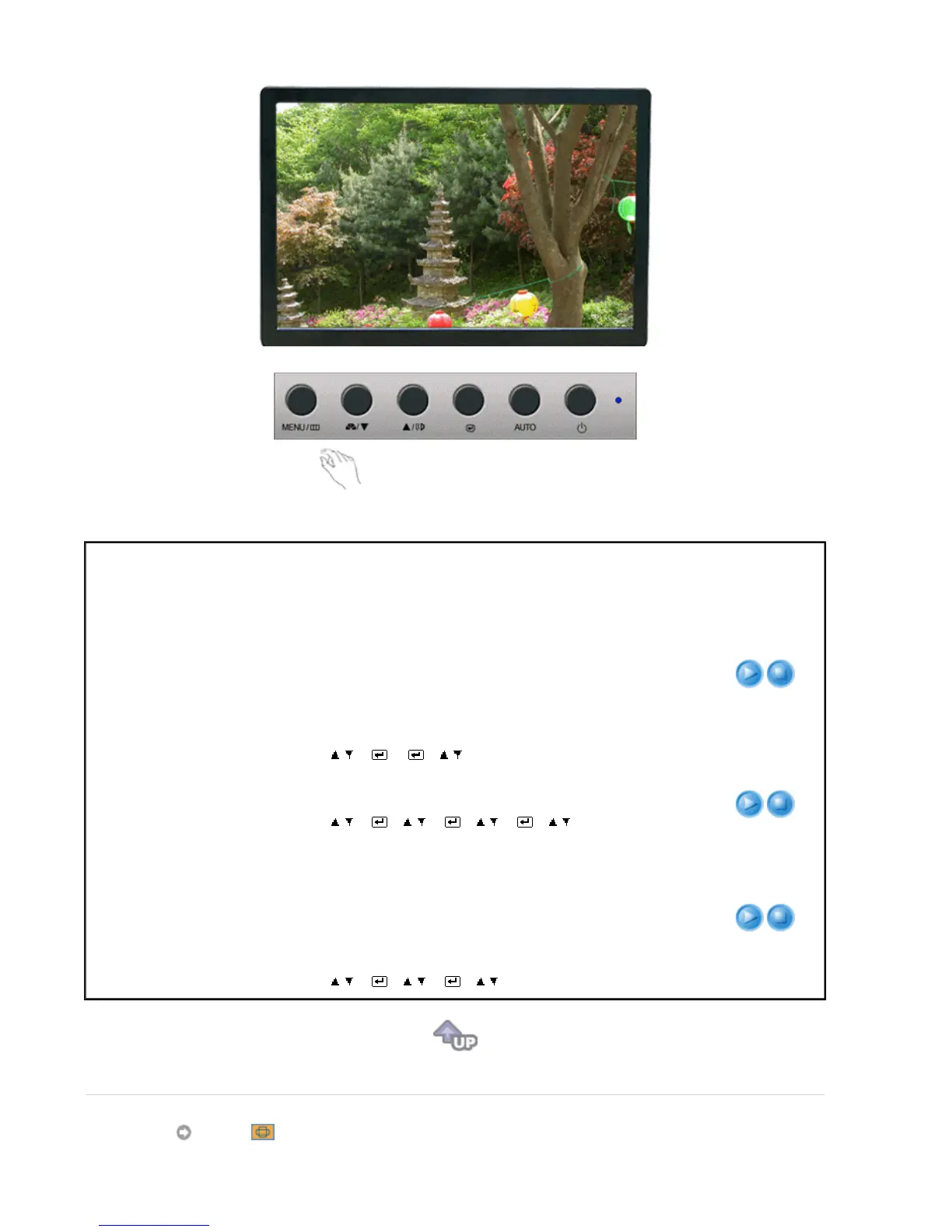
Menu Description Play/Stop
Color Tone
The tone of the color can be changed and one of four
modes can be selected - Cool, Normal, Warm and
Custom.
[MENU→ , → → → , → MENU]
Cool
-Makes whites bluish.
Normal
-Keeps whites white.
Warm
-Makes whites reddish.
Custom
-Select this mode when you want to adjust
the image according to your preferences.
Color Control
Adjusts individual R,G,B color balance.
[MENU→ , → → , → → , → → , → MENU]
Gamma
Gamma correction changes the luminance of the colors
with intermediate luminance.
l
Mode 1
l
Mode 2
l
Mode 3
[MENU→ , → → , → → , → MENU]
Image








 To Next Page