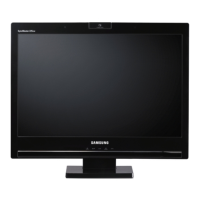
943BT
•
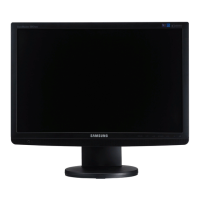
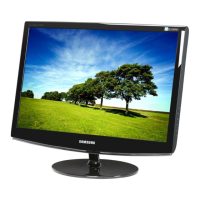
943BWT
•
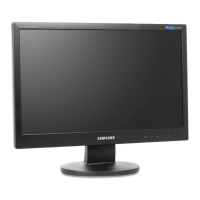
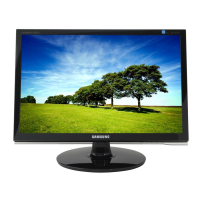
2243BWT
•
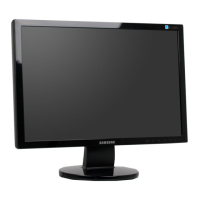
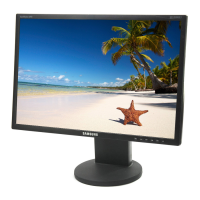
2443BWT
Adjustable LCD Monitors
Features:
• Fully adjustable stand: height, swivel, tilt, pivot
• High dynamic contrast ratios of 8000:1 (943BT, 943BWT,
2243BWT), and 20,000:1 (2443BWT)
• Ultra-fast 5 ms response time
• Ultra-thin 15mm (.59") bezels
• Exclusive MagicTune™ display control software
• Exclusive MagicColor™ and MagicBright 3™ picture technology
• MagicRotation™ software allows portrait or landscape views
It’s easier if your monitor pivots, tilts, swivels
and adjusts to the perfect height, rather
than you. The infinitely adjustable Samsung
BT/BWT series LCD displays are not only
easy on the neck and shoulders, they’re
easy on the eyes. High dynamic contrast
ratios of 8000:1, and 20,000:1 on 2443BWT,
combine with fast 5 ms response for highly
detailed motion graphics. Exclusive
MagicTune
™
software gives you accurate and
easy display management. And multitasking
is easy with the BWT widescreens. You’ll
have more room for open applications, tool
palettes and images. The height of comfort
and productivity. Samsung BT/BWT displays.
2443BWT

 Need help?
 General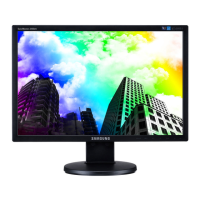


 To Next Page