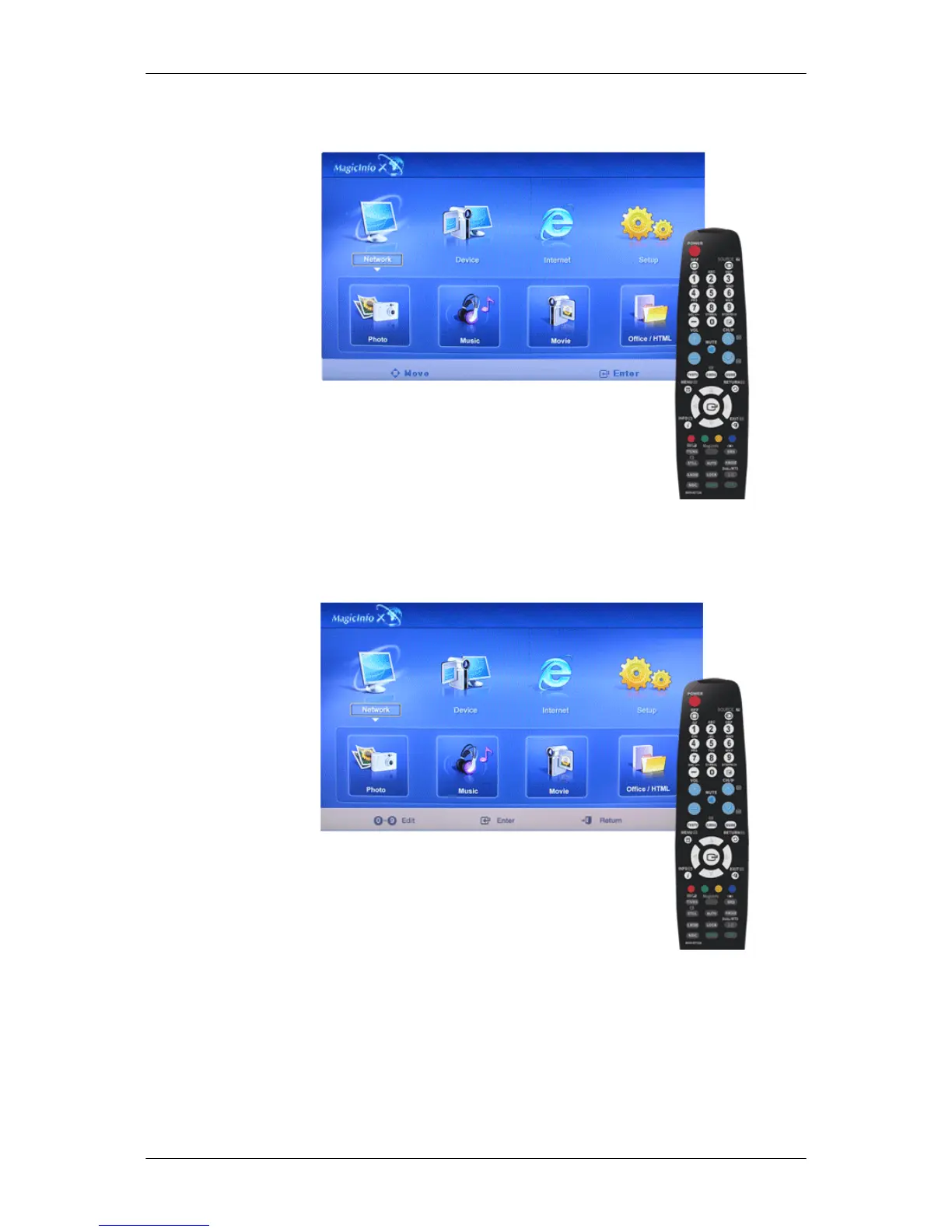
Connection
Modifies the network settings.
Password
The password can be changed.
• The password should be between 6 and 12 characters in numeric format.
(You should enter a password between 6 and 12 characters in numeric format)
• If you enter the wrong password three times, the setup configuration is reset and a warning message
appears from the server.
Adjusting the LCD Display







 To Next Page