Note
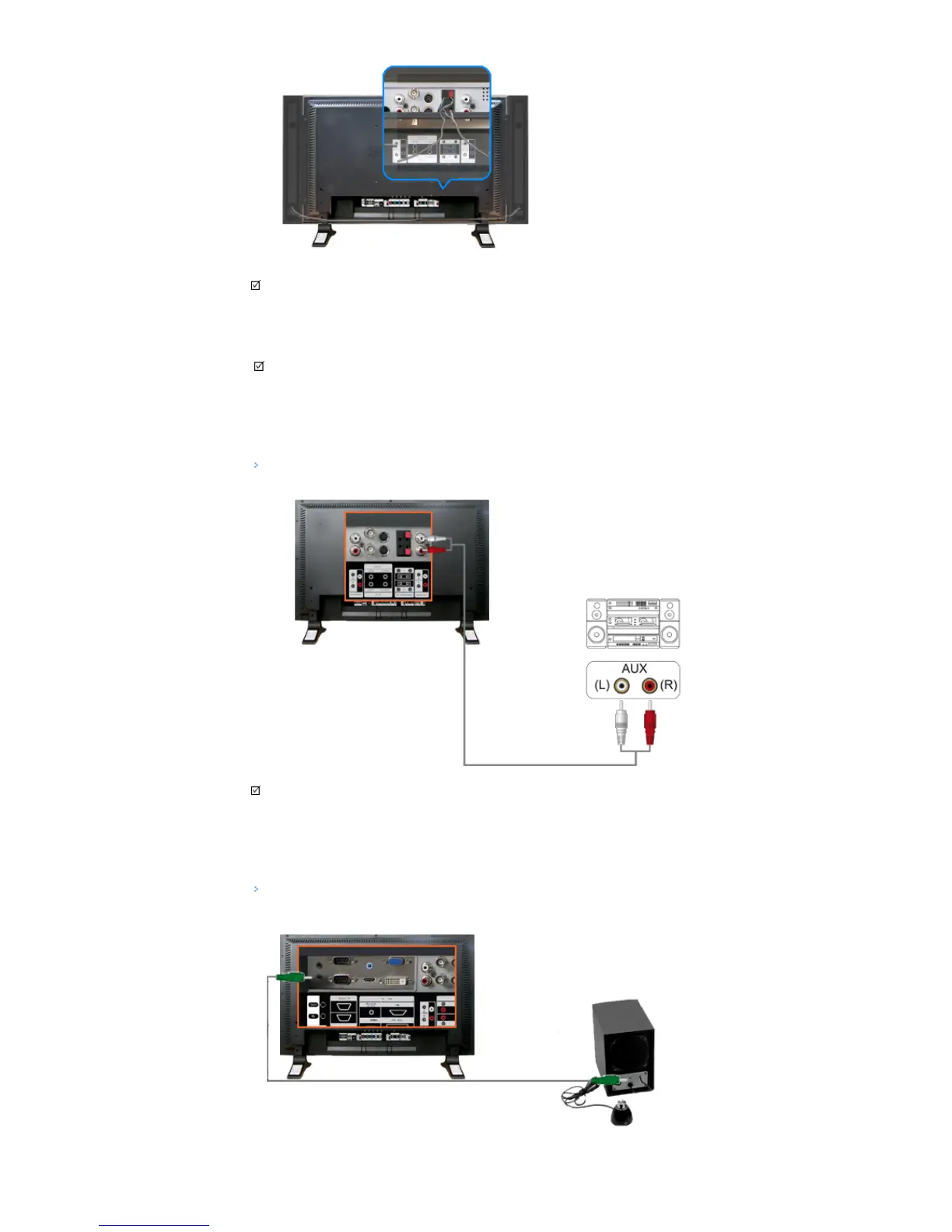
• Connect the speaker connection cable between the speaker connection jack on the back of the SET and
the speaker connection jack on the back of the speaker.
Note
• Do not move the SET while the SET is connected to the speakers.
The speaker-bracket for connecting the SET speaker my become damaged.
Connecting to an Audio System
Note
• Connect a set of audio cables between the AUX L, R jacks on the AUDIO SYSTEM and the AUDIO OUT
[L-AUDIO-R] on LCD Display.
Connecting to a Wired Remote Control






 To Next Page