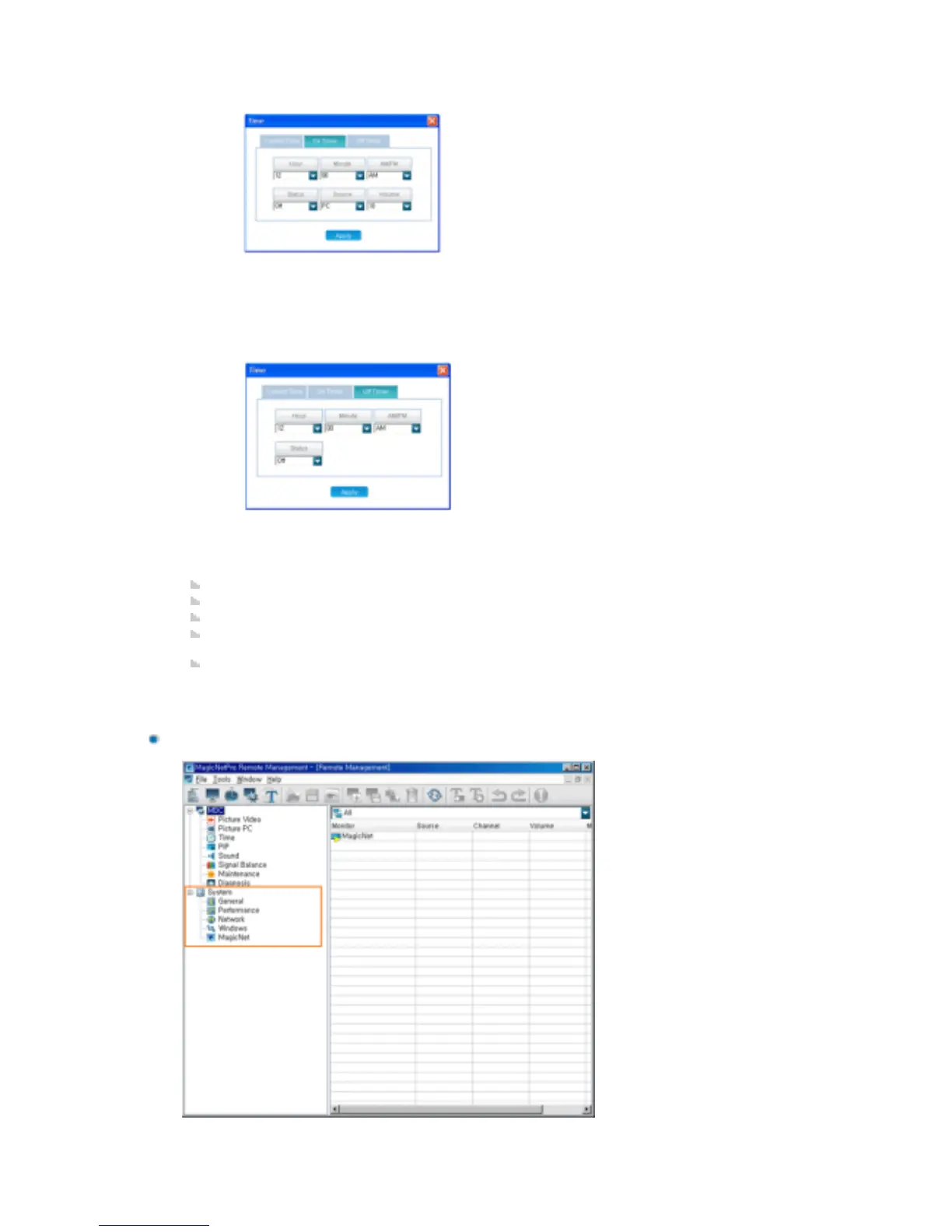
System
-On Timer
1) Hour: Enter the hour.
2) Minute: Enter the minutes.
3) AM/PM: Enter AM or PM.
4) Status: Select whether to use the turn-on time.
5) Source: Select the external input
6) Volume: Select the volume
-Off Timer
1) Hour: Enter the hour.
2) Minute: Enter the minutes.
3) AM/PM: Enter AM or PM.
4) Status: Select whether to use the turn-on time.
PIP: Displays the PIP information. You can control it in the list view.
Sound: Displays the current sound state. You can control it in the list view.
Signal Balance: Displays the current signal balance state. You can control it in the list view.
Maintenance: Displays the Lamp Control, Safety Screen, Video Wall, VideoWall Format, and
Safety Lock state. You can control them in the list view.
Diagnosis: Displays whether each client is normal or not. You can control the max. internal
temperature of each client using the list view.







 To Next Page