screen.
Setup
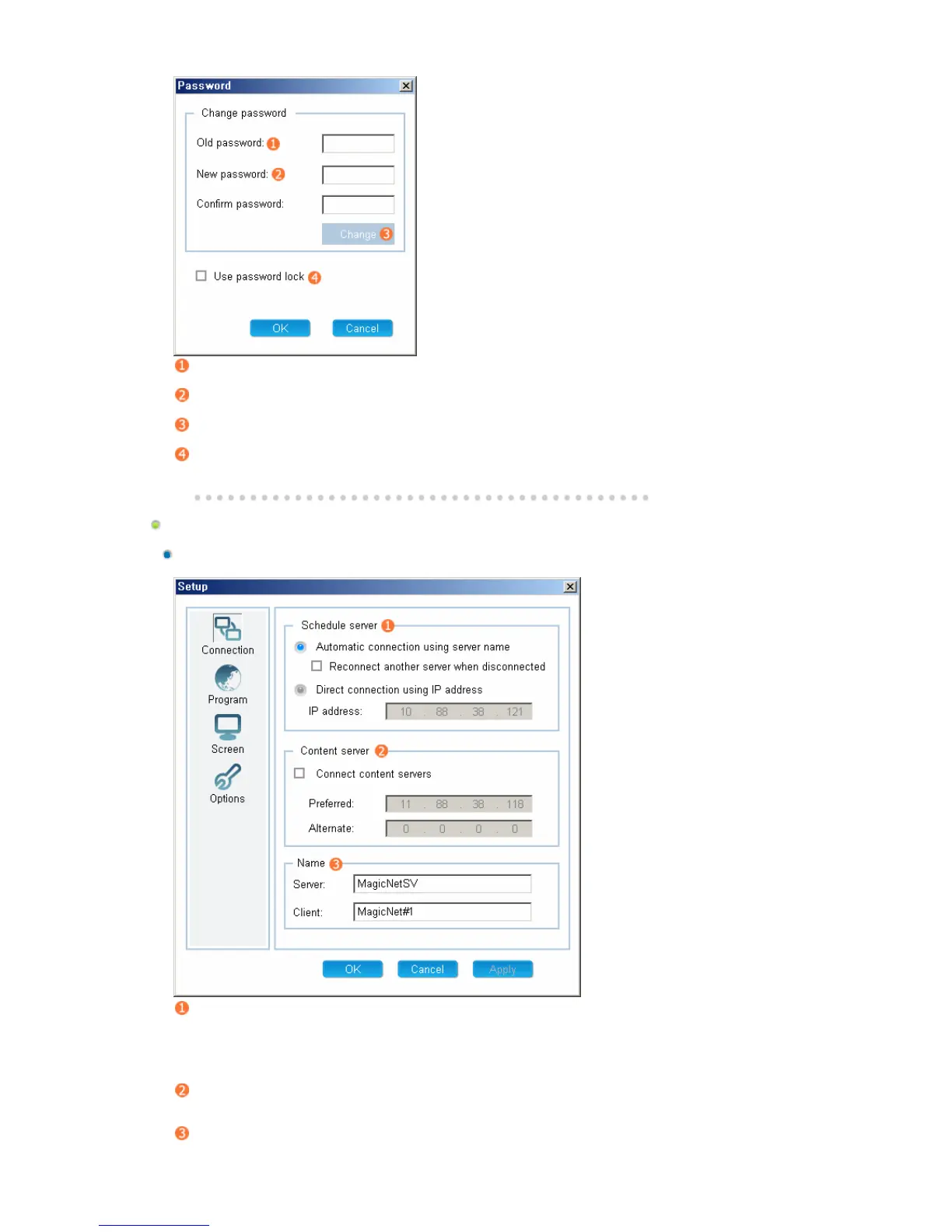
Connection Tab
Schedule server
z
Server Connection Settings
{
The client automatically connects to the server.
{ When a connection is disconnected, the client connects to another server
automatically.
{ The client connects to the server manually. (Enter the IP address of the server).
Content server
z
Up to two (2) content servers can be configured.
z
Enter the IP address of the server.
Name
z
Setting Name







 To Next Page