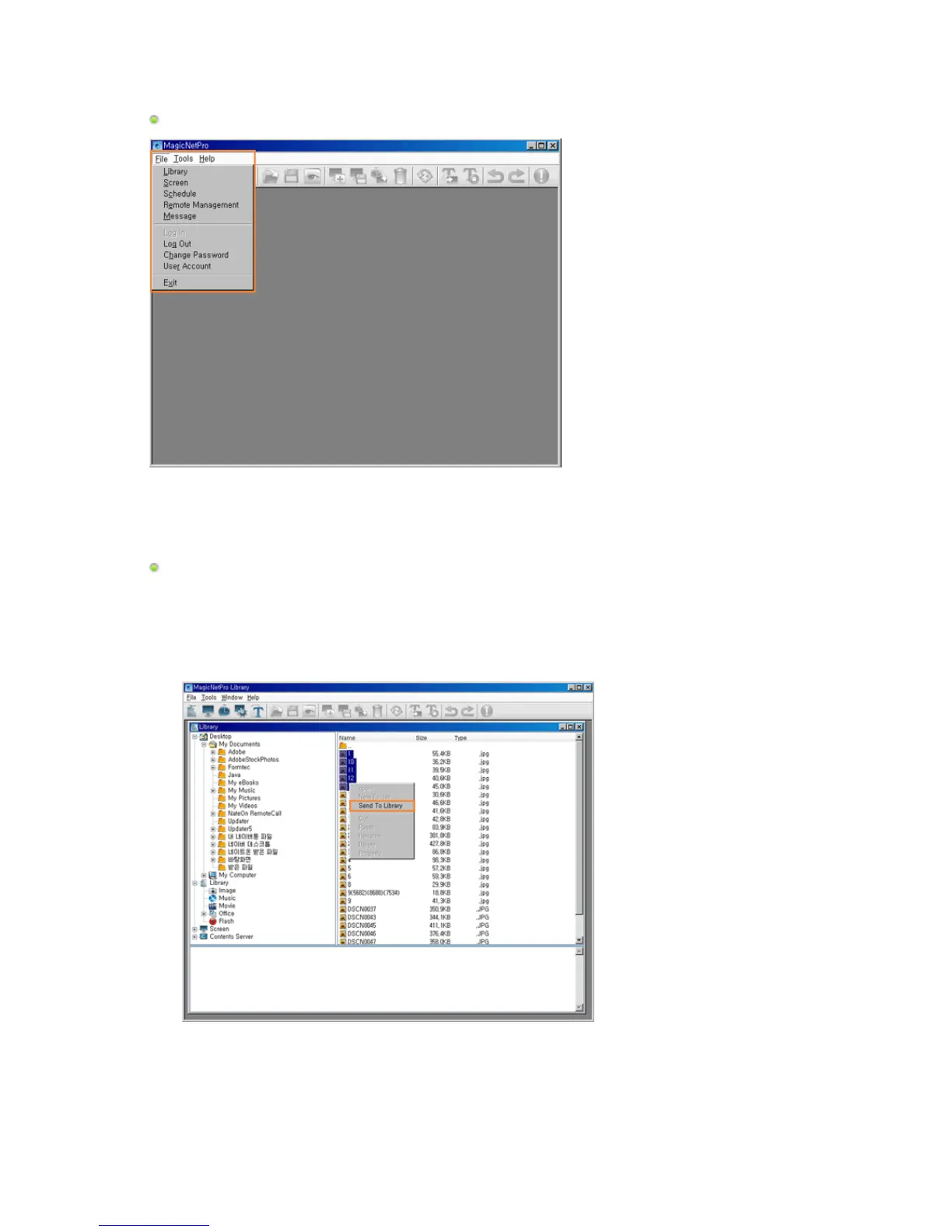
File Sub-Menus
Registering a Library
1. Select Library from the File menu to open the Library View.
2. Select a photo file, music file, movie file, document, or Flash file etc. on the server.
3. Right-click on the selected file and select Send To Library from the displayed menu to register it to
the library.
4. The registered library files are used by the monitor when the Operating Mode of the monitor is set to
Player or is used when registering a screen.







 To Next Page