en for a
file, the file is run.
z
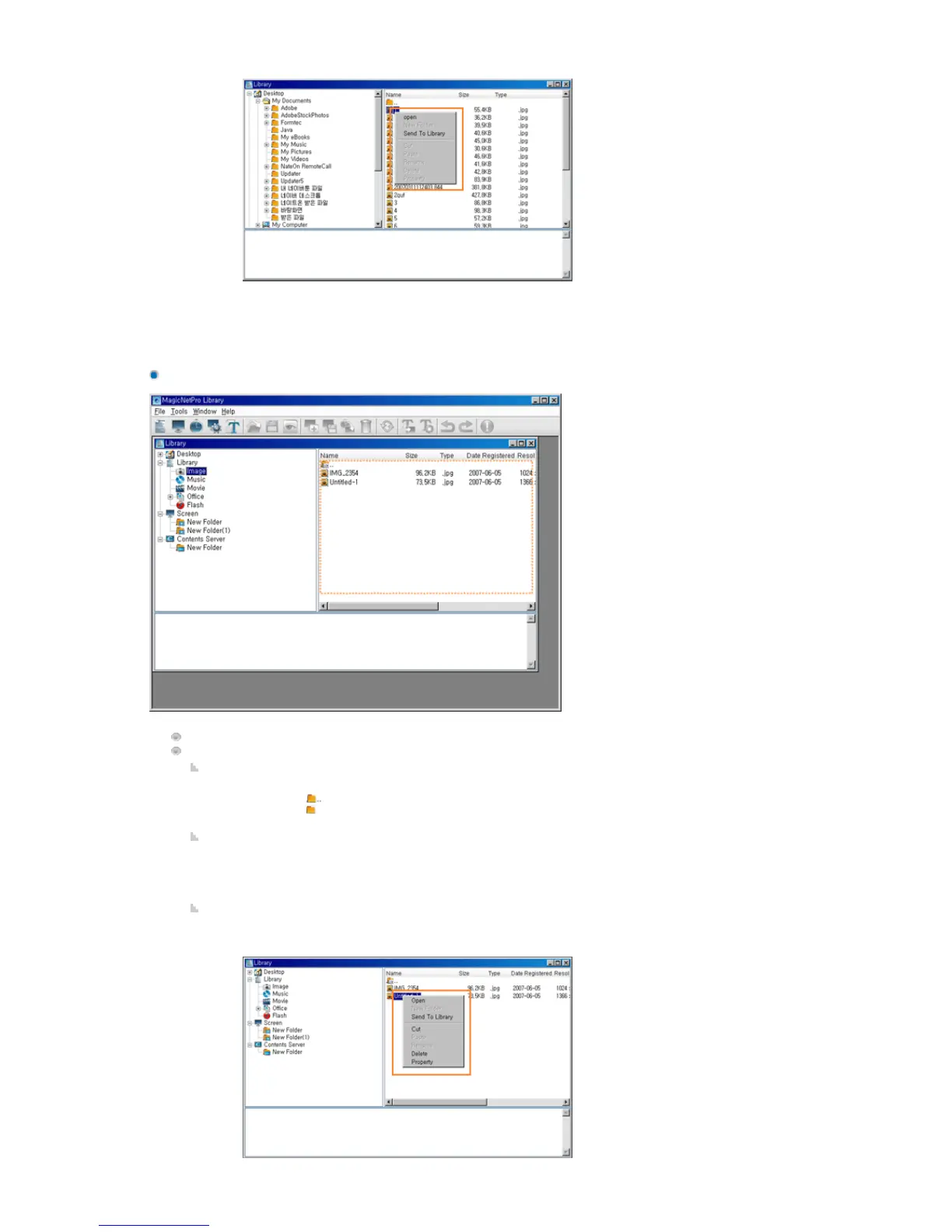
Send To Library: If you click Send To Library for the selected files, they are registered to
the library.
Displays the subfolders and files under the selected folder.
Function:
Double-Click
z
Double-click to move to the upper folder.
z
Double-click to move to the lower folder.
z
Double-click a file to run the file.
Drag & Drop
z
If you drag and drop library files into a library folder in the tree view or list view, they
are moved to that folder if the content types of both the library files and the library
folder are the same. However, the drag & drop function is not supported for folders.
Context Menu







 To Next Page