Web
Changes the detailed properties and the transfer mode for the selected file of each type.
z
Transfer Mode: Changes the mode in which the selected file is transferred to the monitor.
z
Download: Downloads the file to the monitor and plays it.
z
Stream: Streams to the monitor.
z
Context Menu: Add, Delete, Up, Down: Adds and deletes a file and changes the playing
order.
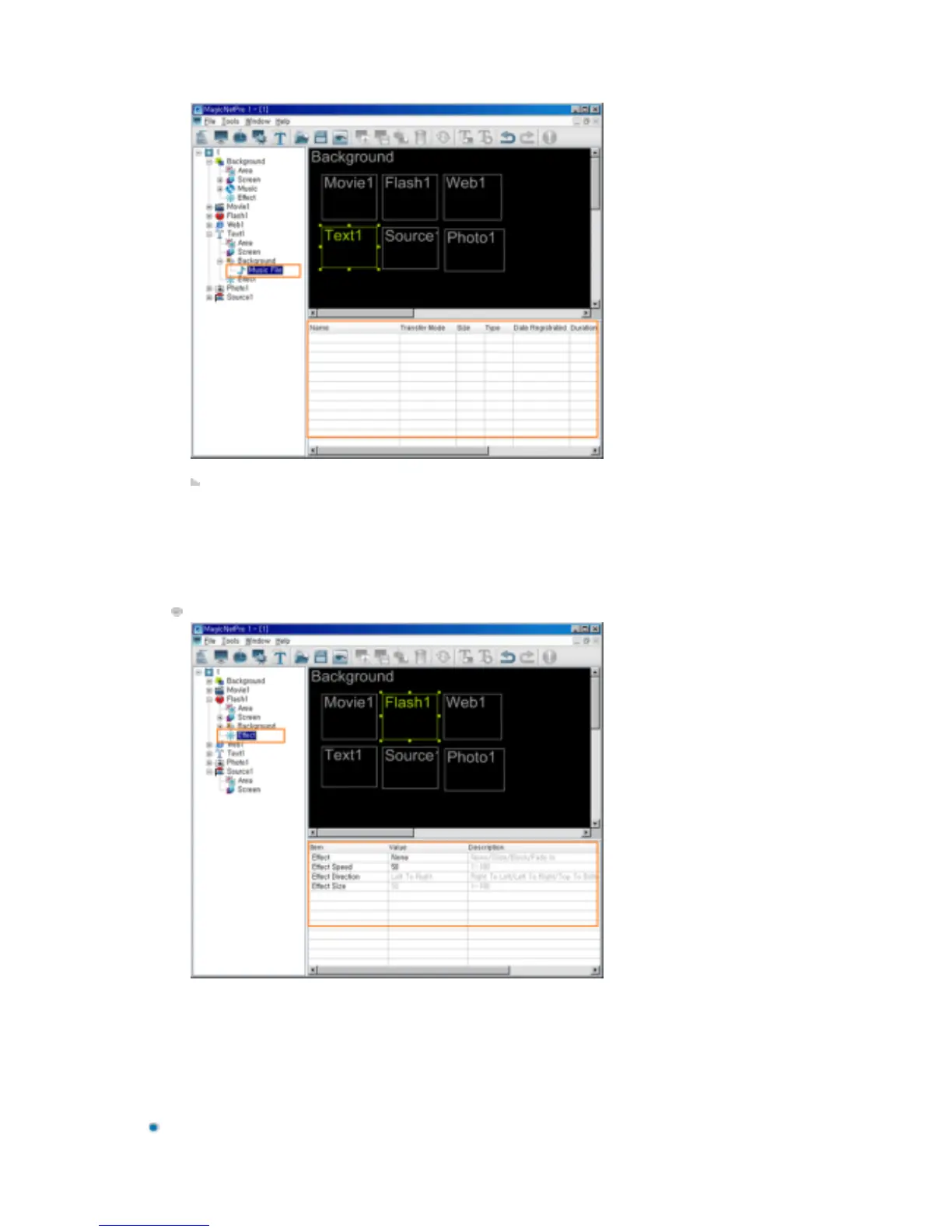
Effect
z
Effect: Selects the type of effect to be applied when the Flash area is created.
{
None: No effect is used.
{
Slide: The Flash area is created while it is moving.
{
Block: The Flash area is created with blocks.
{
Fade In: The Flash area fades in when it is created.
z
Effect Speed: Adjusts the speed of an effect being created.
z
Effect Direction: Sets the direction when the Slide effect is selected.
z
Effect Size: Sets the size of the blocks when the Block effect is selected.







 To Next Page