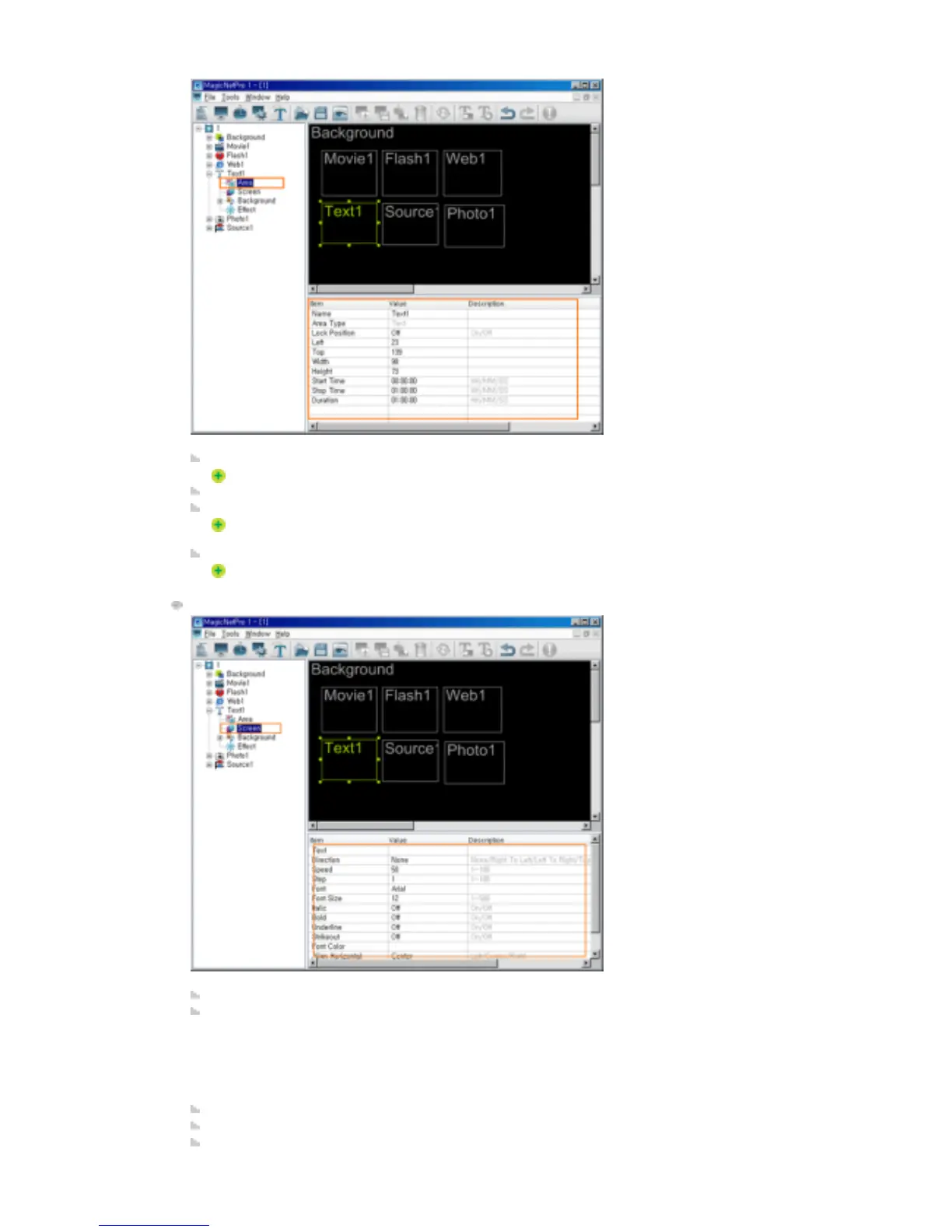
Name: Changes the area name.
You cannot use a name already used for another area name.
Lock Position: Locks the position of the area.
Left, Top, Width, Height: Changes the position and size of the area.
The area positions must be within the background and the area size cannot be larger than
the background size.
Start Time, Stop Time, Duration: Sets the playing time in seconds.
It cannot be longer than the background playing time.
Screen
Text: Sets the text to be displayed in the Text area.
Direction: Sets the direction of the text flow in the Text area.
z
None
z
Right to Left
z
Left to Right
z
Top to Bottom
z
Bottom to Top Text
Speed: Sets the speed of the text flow in the Text area.
Step: Sets the interval of the text flow in the Text area.
Font, Font Size, Italic, Bold, Underline, Strikeout, Font Color: Sets the formatting for the text in







 To Next Page