1. Standard
Selects Standard for the standard factory settings.
2. Music
Selects Music when watching music videos or concerts.
3. Movie
Selects Movie when viewing movies.
4. Speech
Selects Speech when watching a show that is mostly dialogue (i.e., news).
5. Custom
Selects Custom
if
you
want
to adjust the settings according to your personal preferences.
Custom
The sound settings can be adjusted to suit your personal preferences.
MENU → → → ENTER → → → ENTER →
Note
• You can hear the sound even when sound value is set to 0.
• If you adjust sound using Custom function,
Mode will turn to Custom mode.
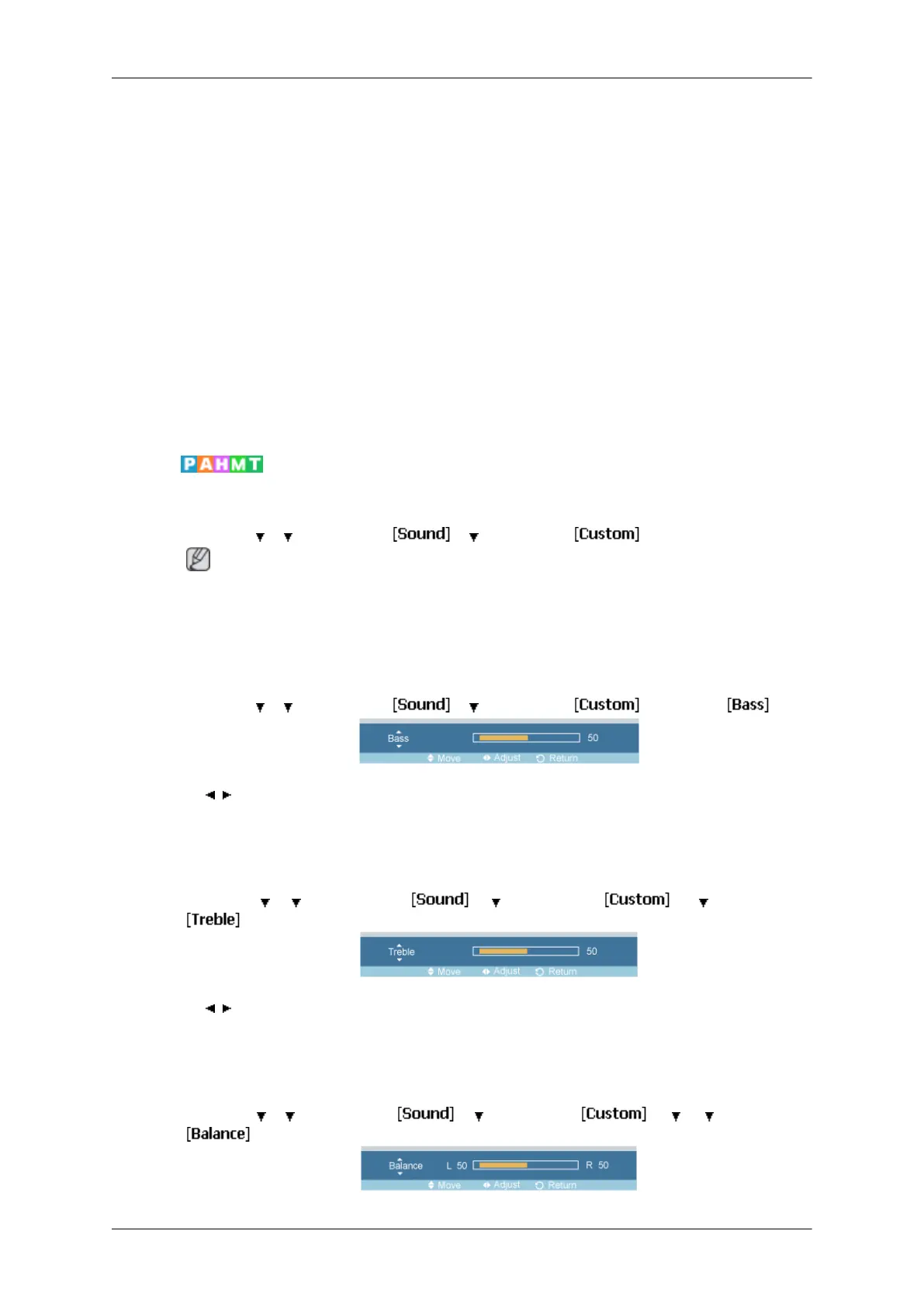
Bass
MENU →
→ → ENTER → → → ENTER → →ENTER→
→ , → ENTER
Emphasizes low frequency audio.
Treble
MENU →
→ → ENTER → → → ENTER → → → ENTER →
→ , → ENTER
Emphasizes high frequency audio.
Balance
MENU →
→ → ENTER → → → ENTER → → → → ENTER →
Adjusting the LCD Display







 To Next Page