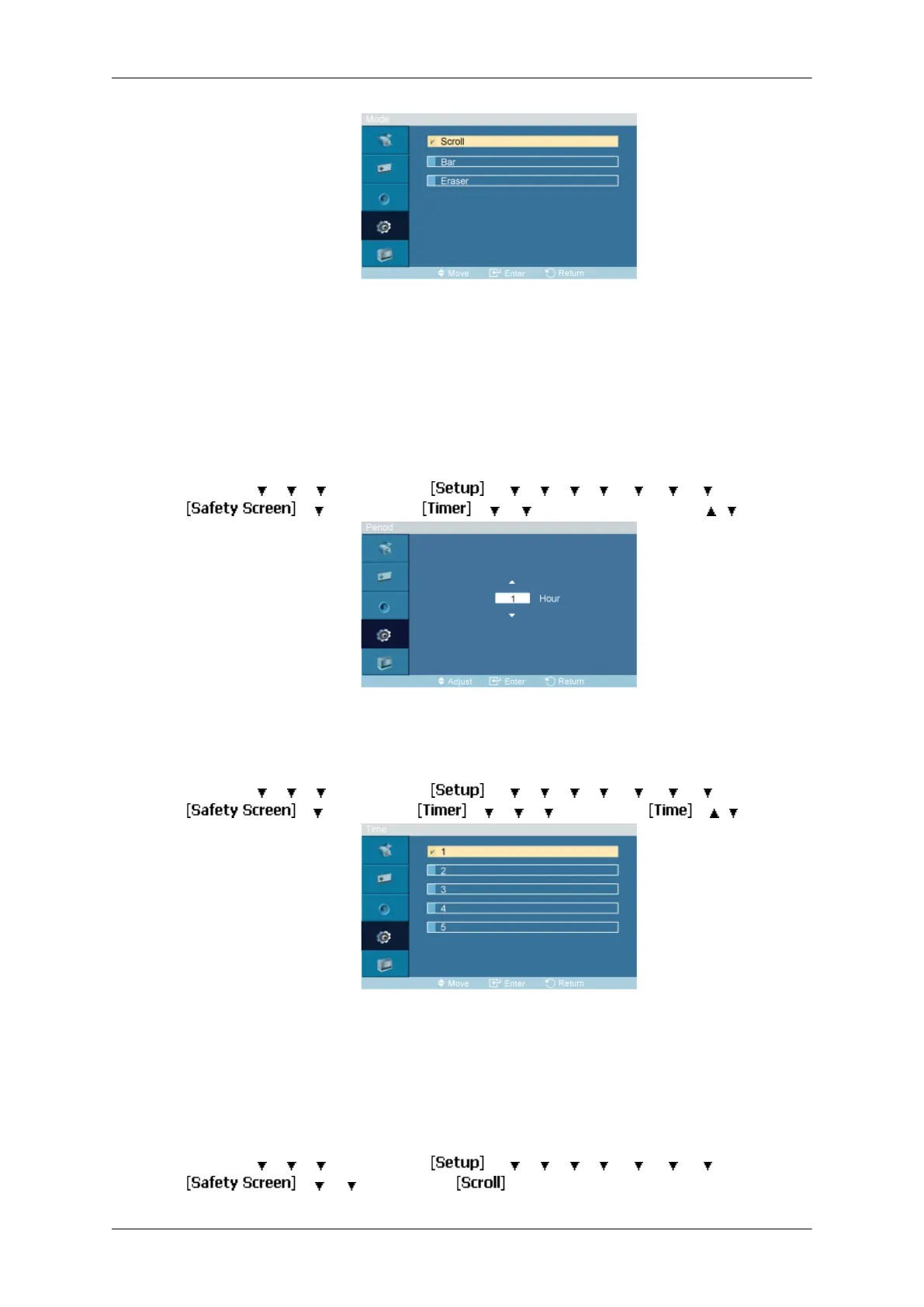
You can change the Safety Screen Type.
1. Scroll
2. Bar
3. Eraser
Period
MENU → → → → ENTER → → → → → → → → → ENTER →
→ → ENTER → → → → ENTER → [Period] → , → ENTER
Use this function to set the execution period for each mode set in the timer.
Time
MENU →
→ → → ENTER → → → → → → → → → ENTER →
→ →
ENTER →
→ → → →
ENTER →
→ , →
ENTER
Within the set period of time specify a time for execution.
• Mode-Scroll : 1~5 sec
• Mode-Bar, Eraser : 10~50 sec
Scroll
MENU → → → → ENTER → → → → → → → → → ENTER →
→ → → ENTER →
Adjusting the LCD Display







 To Next Page