Picture Aspect Ratio: Selects the aspect ratio for the photo file to be played in the Flash area when the
background type of the Flash area is set to Picture File.
z
Full: The photo file is enlarged or reduced to fit the entire background.
z
Original: The photo file is displayed at the original size.
z
Auto: The photo file is enlarged or reduced to fit the entire background and keeps the original
aspect ratio.
z
Tile: The photo file is tiled continuously across the entire background.
Picture Time Interval: Sets the slide show time between photo files when the background type for the
Flash area is set to Picture File.
Sound: Turns the background sound for the Flash area on or off.
Music File: Selects a music file for the background in the Flash area.
Volume: Controls the volume of the background music in the Flash area.
Repeat: A music file can be played repeatedly. When set to Repeat, the music file is played repeatedly
while the background for the Flash area is created.
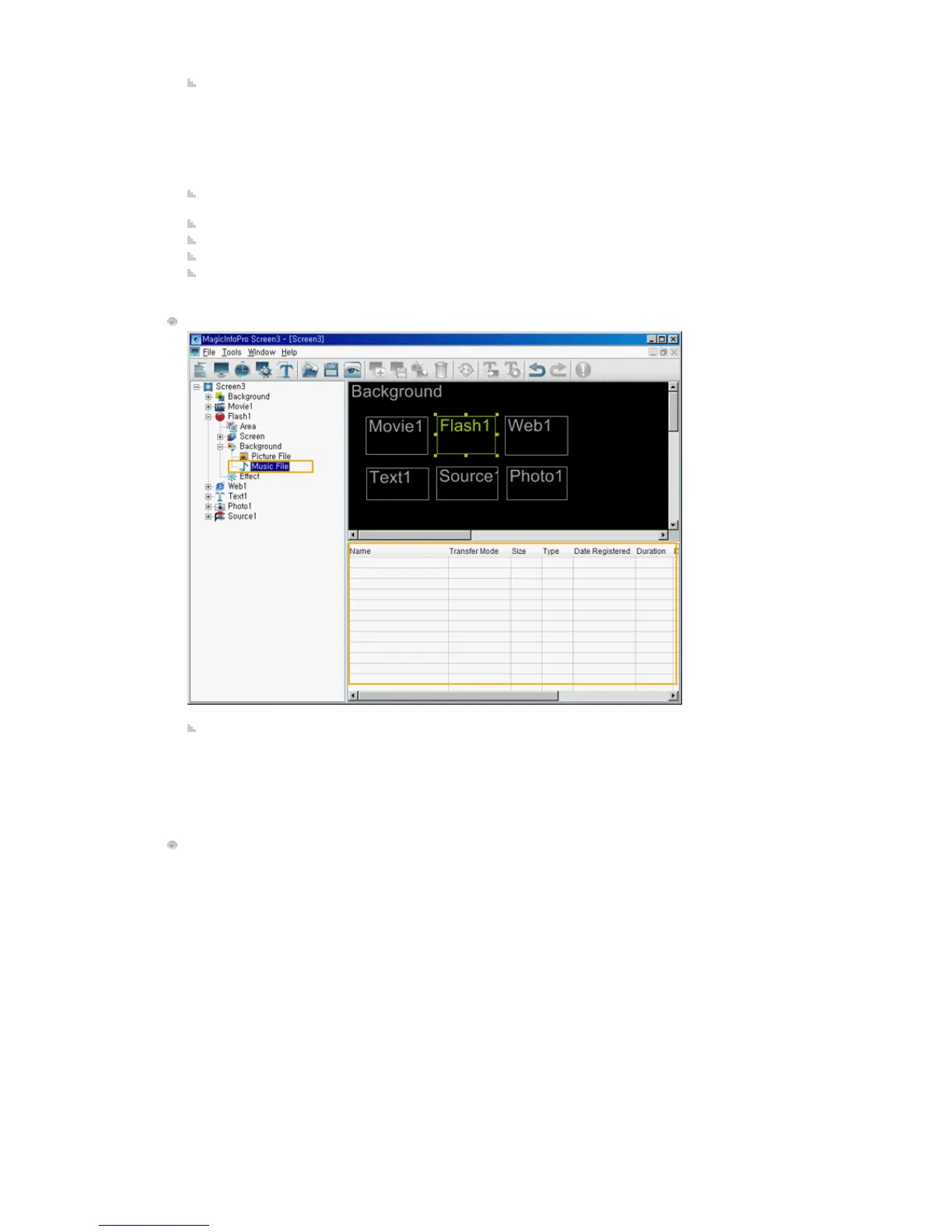
Flash File / Picture File / Music File
Changes the detailed properties and the transfer mode for the selected file of each type.
z
Transfer Mode: Changes the mode in which the selected file is transferred to the monitor.
z
Download: Downloads the file to the monitor and plays it.
z
Stream: Streams to the monitor.
z
Context Menu: Add, Delete, Up, Down: Adds and deletes a file and changes the playing order.
Effect







 To Next Page