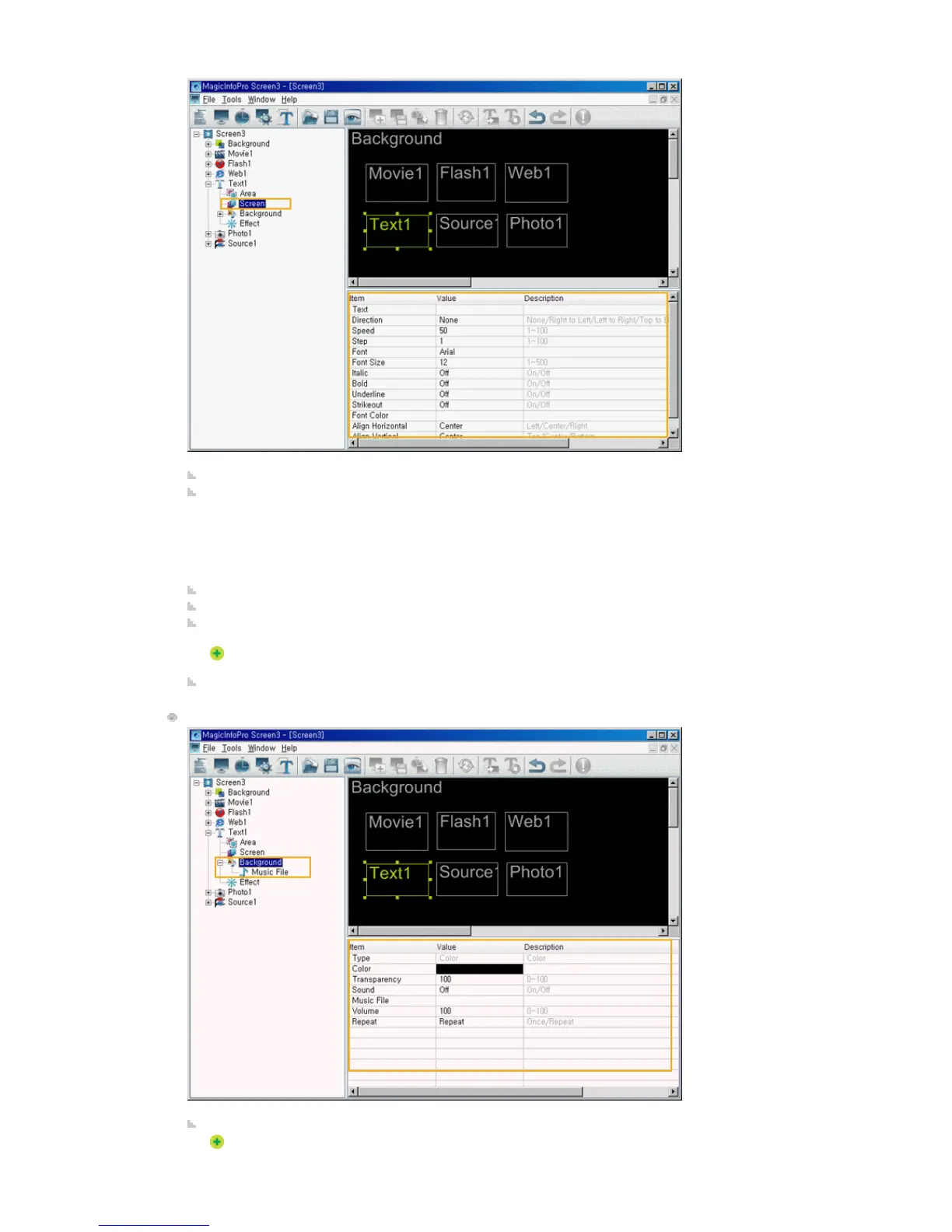
Text: Sets the text to be displayed in the Text area.
Direction: Sets the direction of the text flow in the Text area.
z
None
z
Right to Left
z
Left to Right
z
Top to Bottom
z
Bottom to Top Text
Speed: Sets the speed of the text flow in the Text area.
Step: Sets the interval of the text flow in the Text area.
Font, Font Size, Italic, Bold, Underline, Strikeout, Font Color: Sets the formatting for the text in the Text
area.
The font type shows the font of the computer where the server is operating. The same font should
be installed in the monitor so that the monitor can display the same font.
Align Horizontal, Vertical: Aligns the text in the Text area.
Background
Type: Sets the background type (Color) for the Text area.
You can only select Color for the background type (Color) for the Text area.







 To Next Page