Schedule
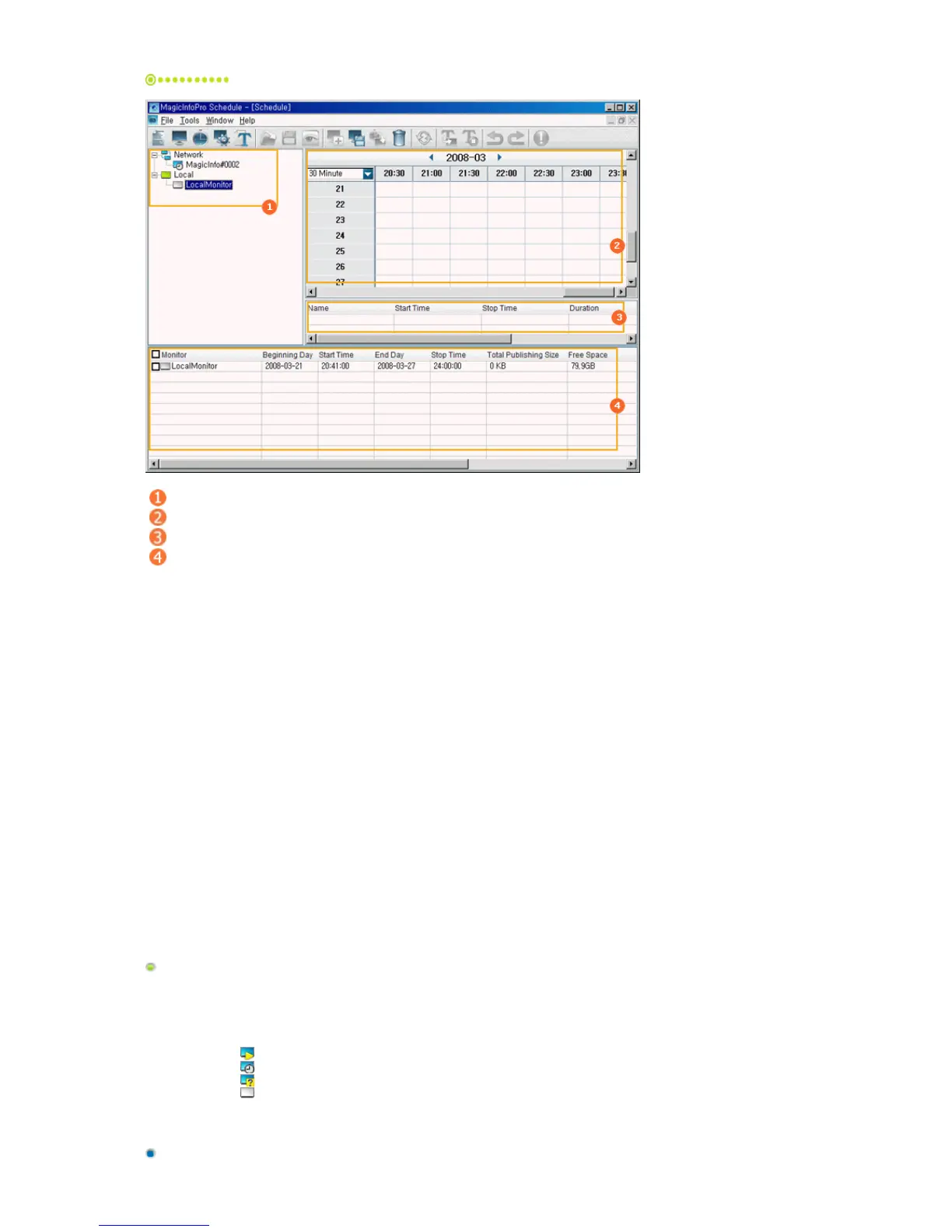
Tree View
EPG View
List View
Publish View
Tree View
Displays the connection state of the monitors currently connected to the server depending on the monitor icon.
You can also efficiently manage the monitors by creating network groups. You can move a networked monitor
by dragging and dropping it into a group.
Network
z
: The server is connected to the monitor in Player mode.
z
: The server is connected to the monitor in Scheduler mode.
z
: The server is connected to the monitor in an unknown mode.
z
: The server is not connected to the monitor or the monitor is a local monitor.







 To Next Page