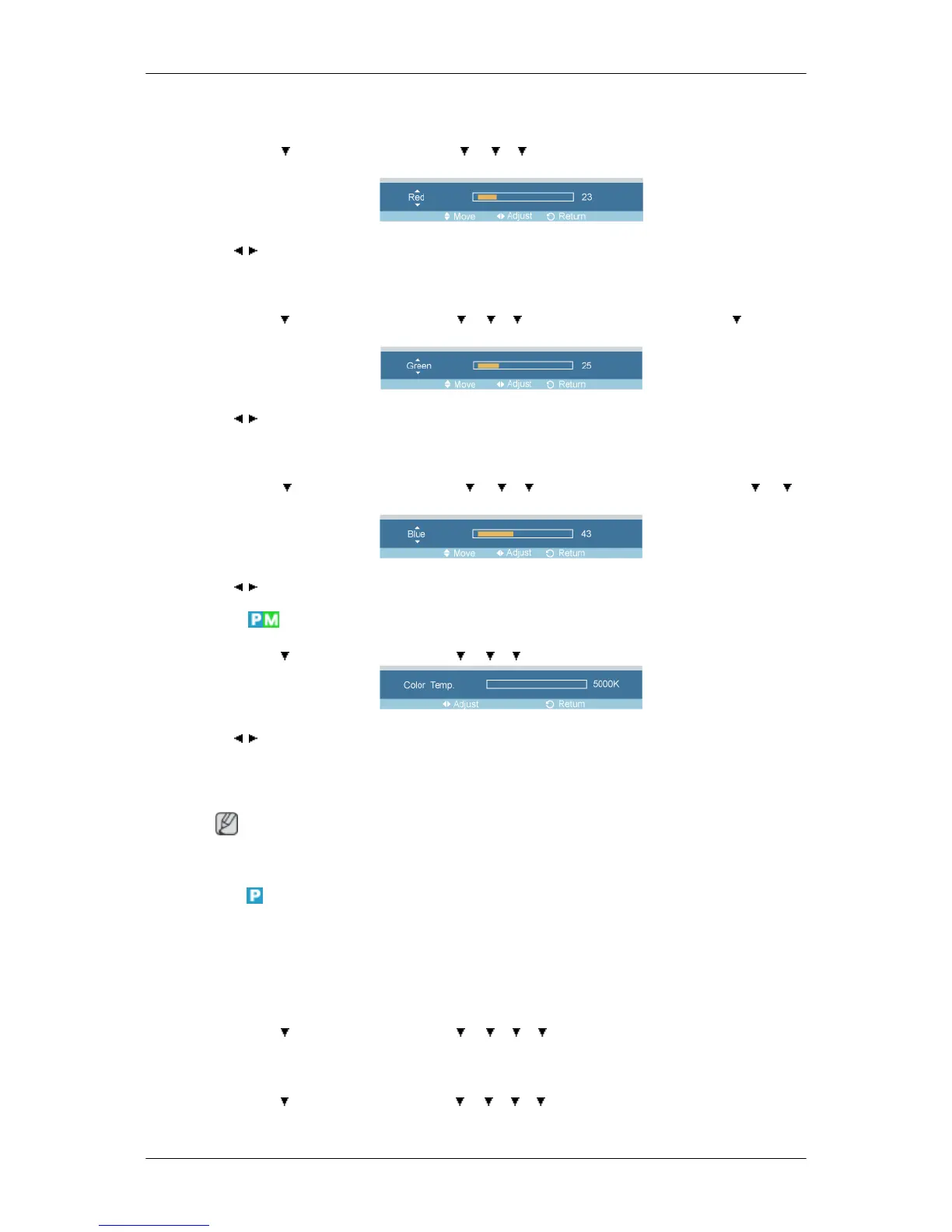
Red
MENU →
→ ENTER → [Picture] → → → → ENTER → [Color Control] → ENTER →
[Red]
→ , → ENTER
Green
MENU → → ENTER → [Picture] → → → → ENTER → [Color Control] → → ENTER
→ [Green]
→ , → ENTER
Blue
MENU → → ENTER → [Picture] → → → → ENTER → [Color Control] → → →
ENTER → [Blue]
→ , → ENTER
Color Temp
MENU → → ENTER → [Picture] → → → → ENTER → [Color Temp]
→ , → ENTER
Color Temp is a measure of the 'warmth' of the image colors.
(Not available in Dynamic Contrast mode of On.)
Note
This function is only enabled if the Color Tone is set to Off.
Image Lock
Image Lock is used to fine-tune and get the best image by removing noise that creates unstable images
with jitters and shakiness. If satisfactory results are not obtained using the Fine adjustment, use the
Coarse adjustment and then use Fine again.
(Available in PC mode only)
MENU → → ENTER → [Picture] → → → → → ENTER → [Image Lock]
Coarse
MENU → → ENTER → [Picture] → → → → → ENTER → [Image Lock] → ENTER →
[Coarse]
Adjusting the LCD Display



 To Next Page